
A plandisc is a circular calendar you can shape around the way your organization plans. Here's a quick look at everything you can do with it.
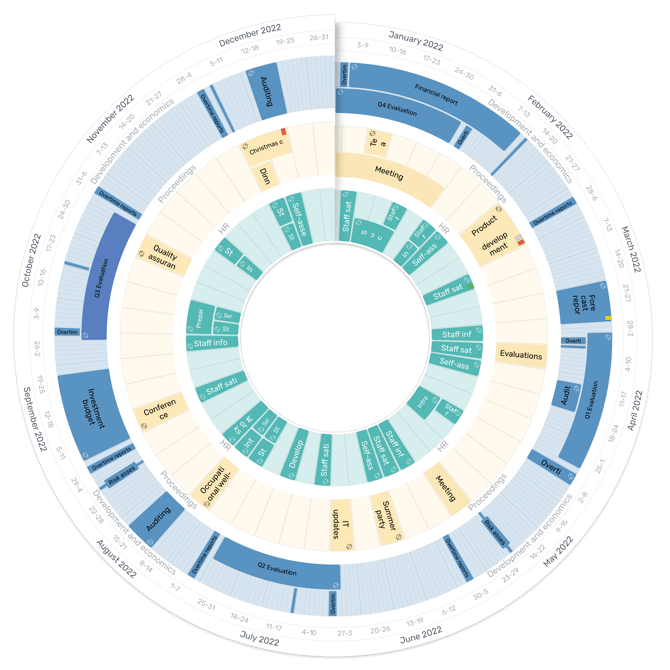
Tailor your planning to how you work
- Choose your calendar unit: months, weeks, or dates.
- Plan as far into the future as you need.
- Move back and forth in time with easy navigation.
- Create recurring activities in several ways.
- Set the time period you want to see — 12, 6, or 3 months, for example.
- Switch between the disc, list, or calendar view.
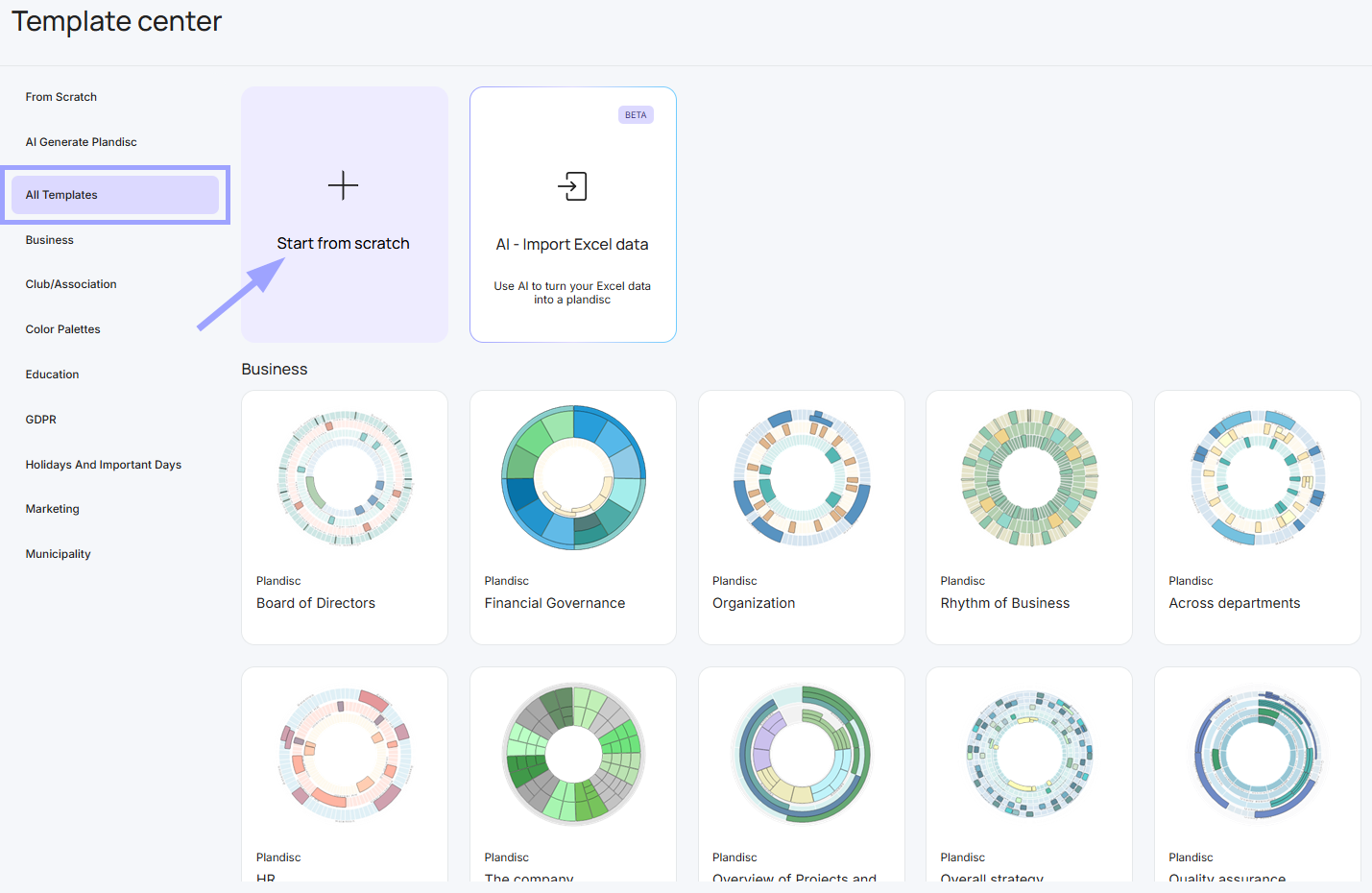
Start from scratch or use a template
- Build your circular calendar from the ground up and define every element yourself.
- Start from a template and adjust it to fit your needs.
Adjust the calendar to fit your organization
- Shape the circular calendar around the way your organization, department, or project works.
- Use visual markers to show, for example, who's responsible, what stage something is at, or what type of activity it is.
- Protect confidential information with a password.
- Categorize your circular calendar.
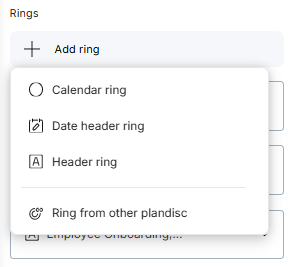
Use four types of rings for planning and sharing
- Calendar ring — holds your activities.
- Date header ring — shows your calendar units.
- Header ring — gives you a clearer overview.
- Ring from other plandisc — shows rings shared from your own or someone else's circular calendar.
Collaborate on planning (Pro and Enterprise)
- Let other users edit the entire circular calendar, or just one or more rings.
- Use the same calendar ring in several circular calendars — it updates automatically everywhere it's used (if inserted as a synchronized ring).
- Protect confidential information with a password, for a whole circular calendar or for a single ring.
Publish your circular calendar
- Show your circular calendar online — on a website, an intranet, or through a link.
- Choose different ways to present it.
- Protect confidential circular calendars with a password.
- Decide how long users can access it.
- Choose whether to show or hide certain rings.
Learn how to use the Plandisc type
Create a Plandisc and choose the basic settings
More overview
Other purposes than circular calendar: What is an activity disc?