Someone has shared their plandisc with you via a link, a website, Microsoft Teams, or an intranet, and you can now access all the information in it. You can adjust the view to suit your daily planning and get the best possible overview.
View activities
If you hover over the activities in a Plandisc you can see some of the details in the center of the Plandisc. If you need more information about an activity just click on it and you will be able to see all the information on the right sidebar.
Filtering
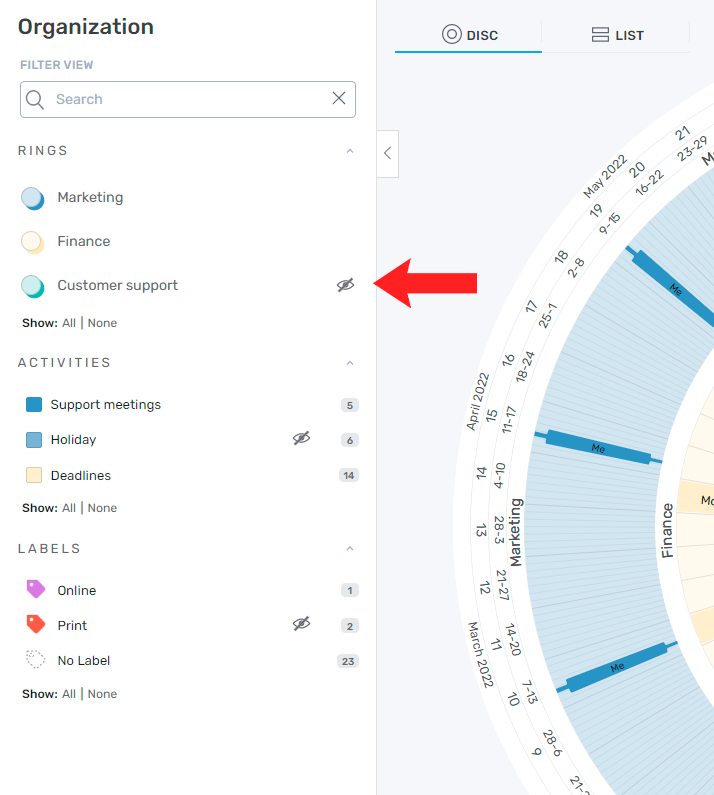
You have the possibility to filter rings, activities and labels in the shared plandisc.
- Hover over the ring, activity group, or label you want to hide, then click the eye icon.
List view
The shared plandisc opens in circular (disc) view by default, but you can switch to list view at any time. Both views are synchronized, so any changes in one are instantly reflected in the other.

Show agenda
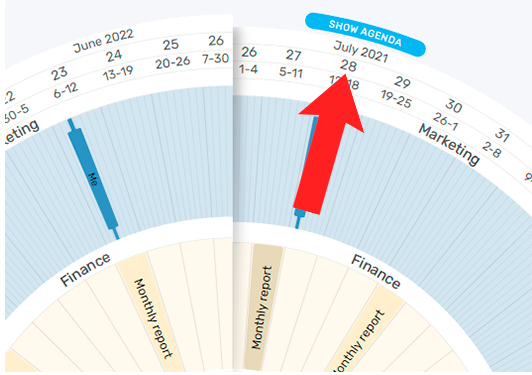
You can view an agenda for each month in a list format
- Hover over the month in which you want an agenda and click "show agenda"
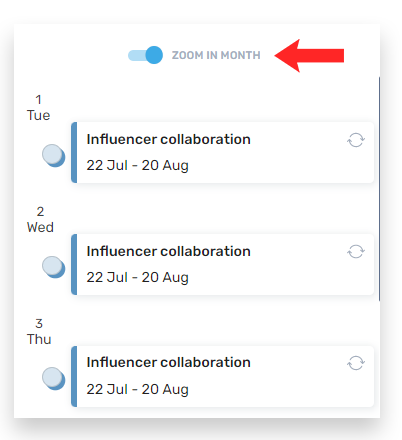
- To get a better overview you can zoom in on the month and only see the activities planned in the respective month
Time navigation
The plandisc owner can choose whether to grant you access to time navigation. If this feature is enabled, use the arrows to move backward and forward in time.

Activity log
You can view the activity log for any plandisc shared with you. The log shows all changes made since your last visit, including what was changed and when. that have been shared with you. Here you can see if any changes were made since the last time you saw the plandisc. You will be able to see which changes happened and when they were made.