Check the history for your plandisc
You can check the history for your plandisc to see what's changed, when, and who made the change. There are two logs you can use:
- The activity history shows changes made to a single activity.
- The plandisc history shows every change made across the whole plandisc, and lets you restore an earlier version.
Activity history
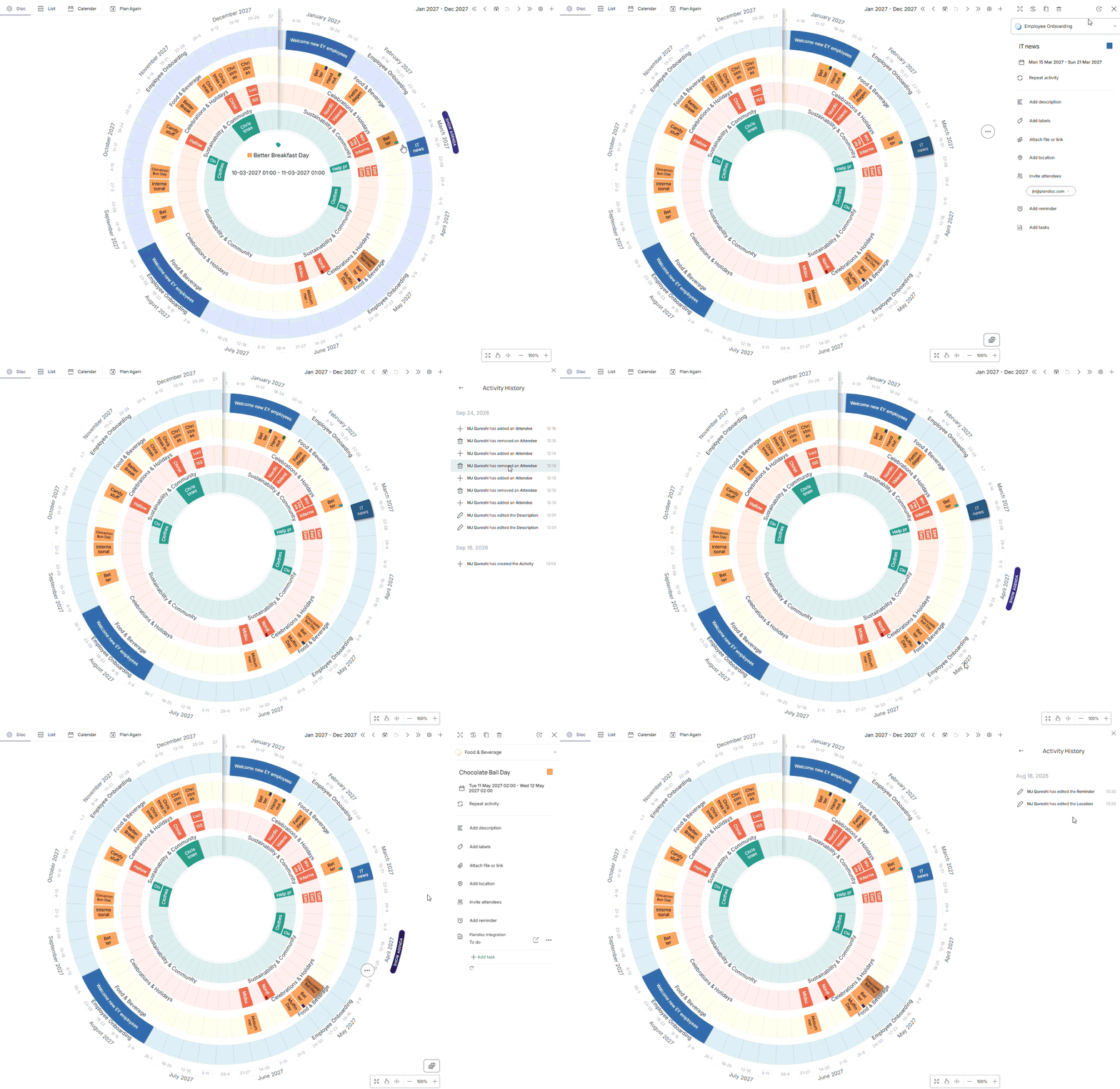
- Click the activity you want to check.
- Click the activity history icon.
Plandisc history
You can also see the log for your whole plandisc, and restore and earlier version if something didn't turn our the way you wanted.
- Click the three dots icon in the menu at the top of the screen, then click History. You'll see every change made in the plandisc, and who made it.
- Select the version you want to restore, then click Show to preview it.
- Click Restore to return your plandisc to the selected version.
- Click Copy if you'd rather save the changes as a new plandisc, instead of overwriting the current one.