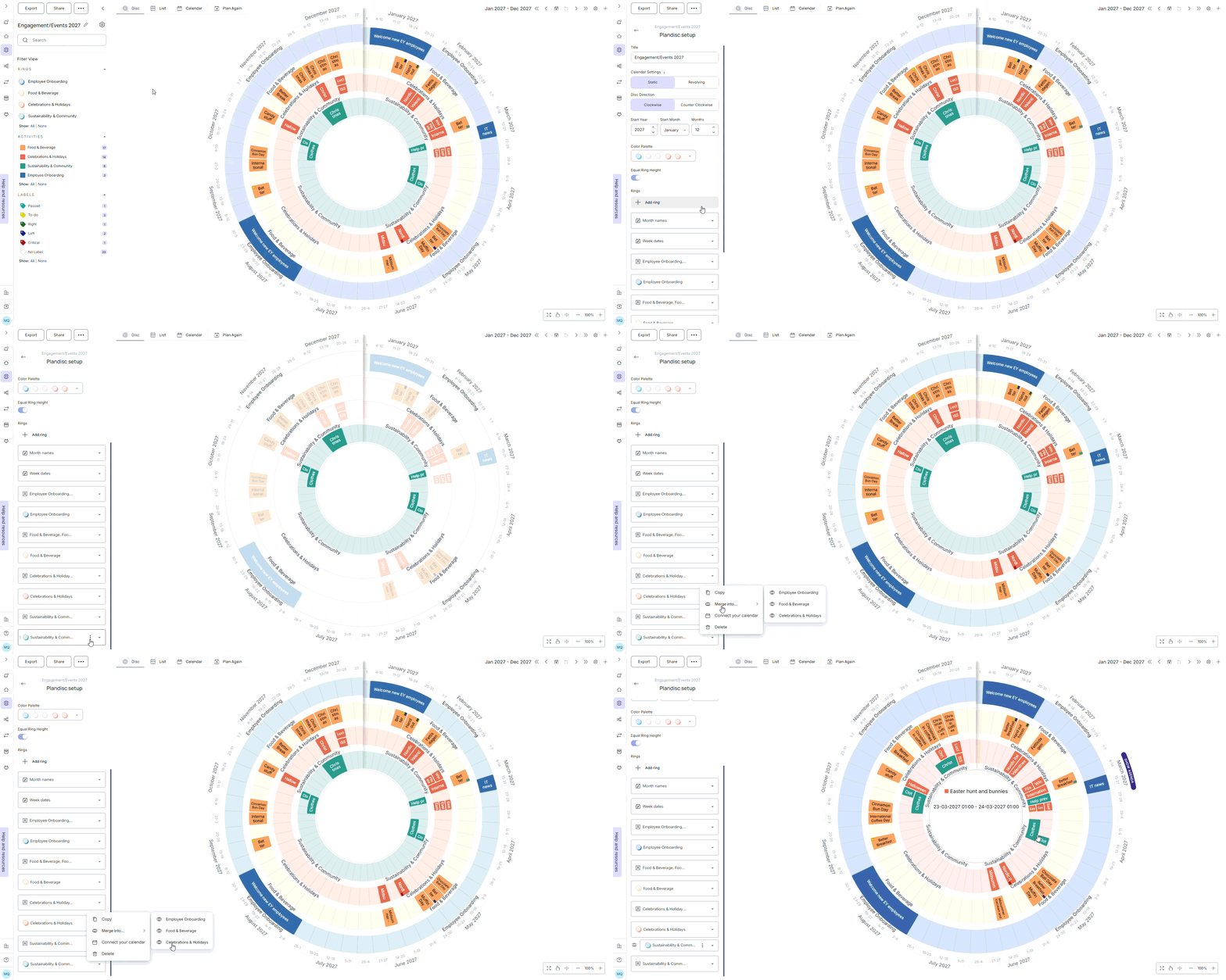
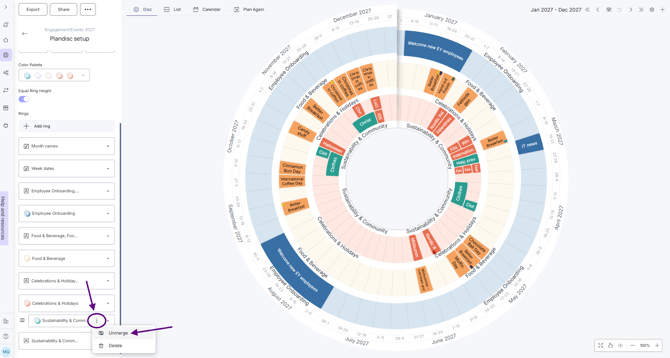
September 30, 2026 Merge and unmerge calendar rings If your plandisc has many calendar rings, merging two of them into one can make the view easier to read. Merge two rings Go to your plandisc setup. Select the calendar ring you want to merge. Click the three dots next to it and choose Merge into. Choose the ring you want to merge it into. Unmerge rings Click the three dots next to the merged ring. Choose Unmerge. What's next Get an overview of your agenda