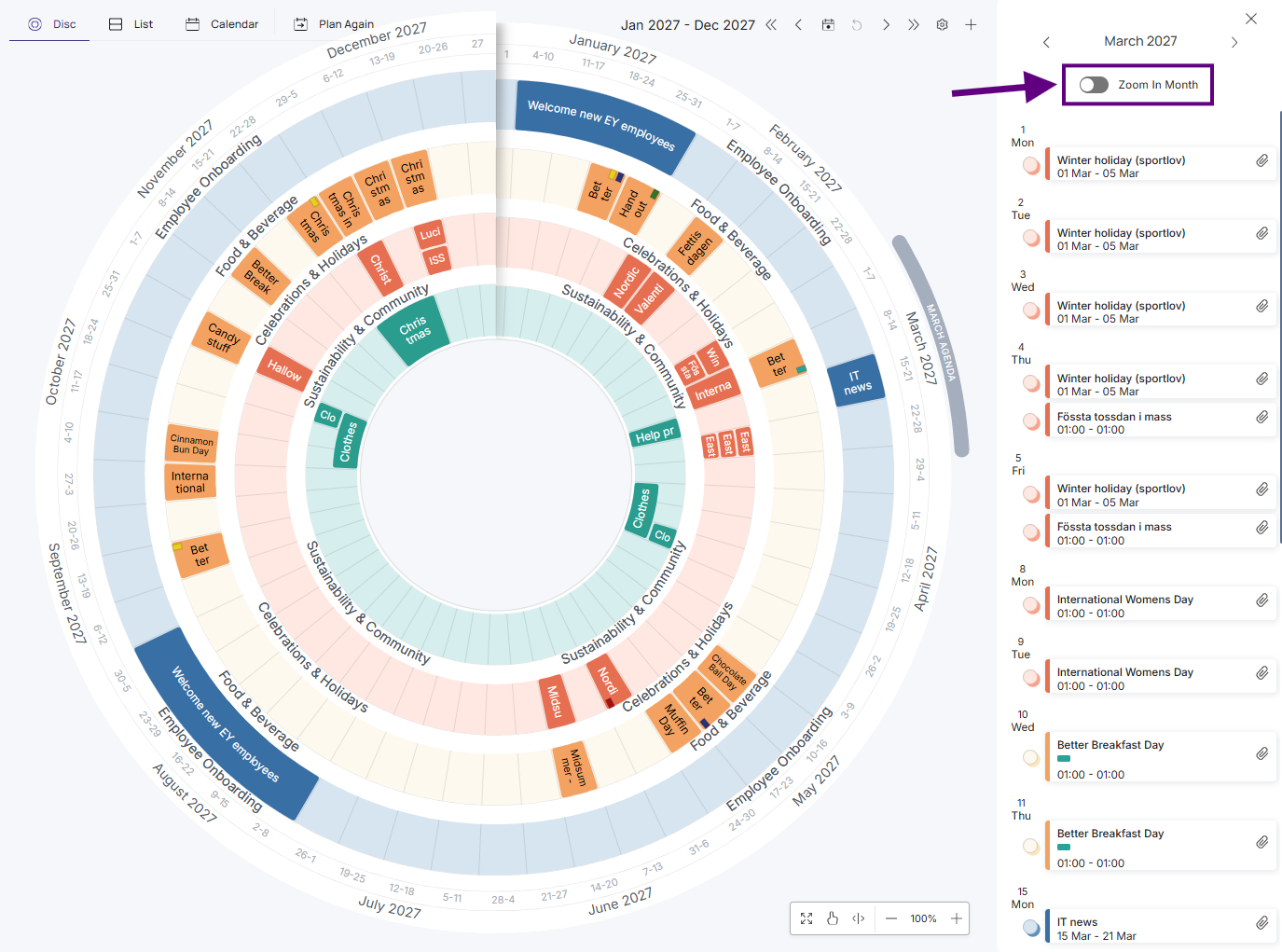
Sometimes you don't need the full circular view — you just want a quick list of what's happening in a given month. That's what the agenda view is for.
Here's how to switch to it:
-
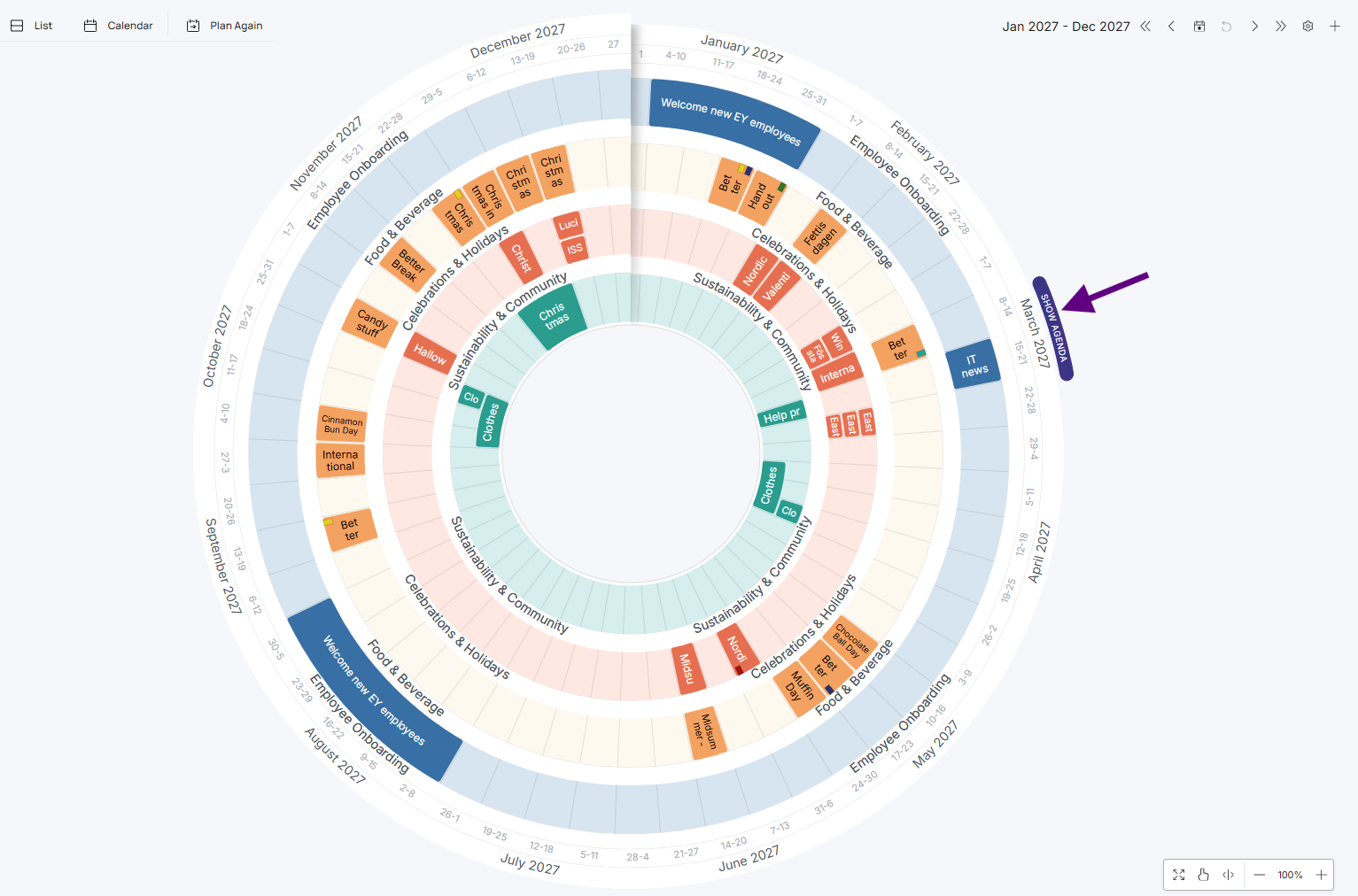
Hover over the month you want to see, then click Show Agenda.
-
Click Zoom In Month if you want to see that month on its own in the plandisc.