
When you have built and adjusted the rings in the activity disc you are ready to create activities.
Create an activity
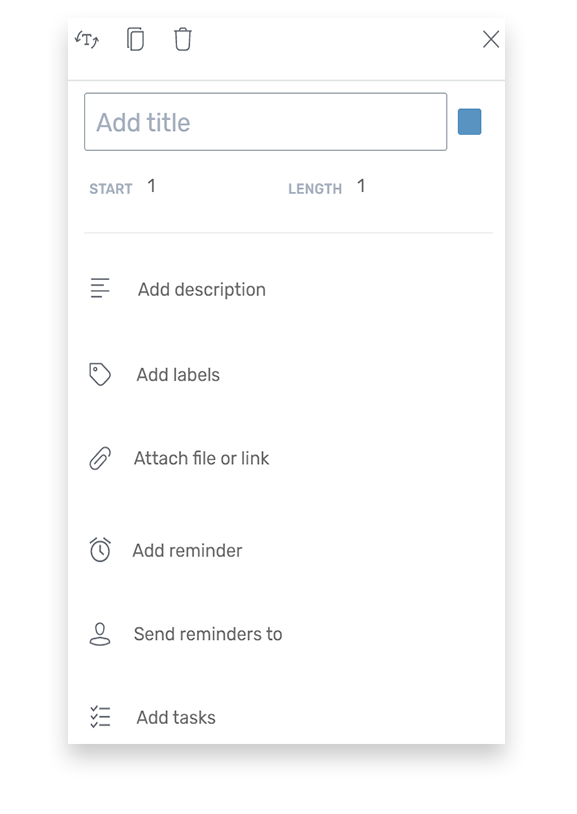
How to create an activity:
- Choose the activity disc in the Dashboard or in My Plandiscs
- Tap the box in the activity ring where you want to create an activity
The edit window will now open and allow you to edit the following:
- Show title horizontally or vertically
- Double activity
- Delete activity
- Edit title
- Choose color
- Choose start
- Choose length
- Make description
- Add label
- Attach files
- Send reminder
Show title horizontally or vertically and duplicate or delete activity
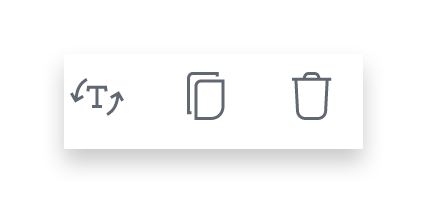
- The icon on the left is used to determine if the title is shown horizontally or vertically
- The icon in the middle is used to duplicate the activity
- The icon on the right is to delete the activity
Edit title and color
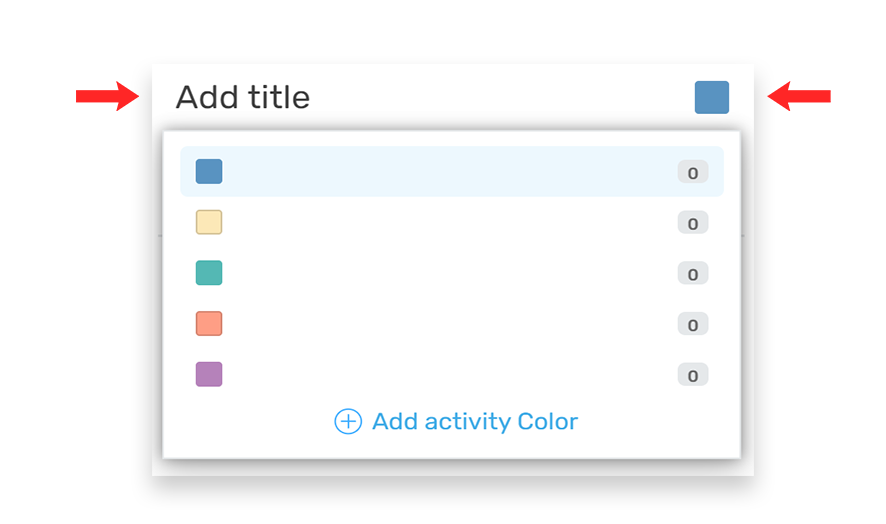
- Choose a title
- Choose color of activity
When you choose a color for your activities, you will be able to categorize and filter them.
Start and length

Start: Indicates in which cell the activity starts
Length: Indicates the number of cells the activity should cover.
Add description
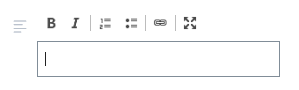
Describe the activity here
You can use
- Bold
- Italic
- Numbered list
- Bulleted list
- Link
Add label
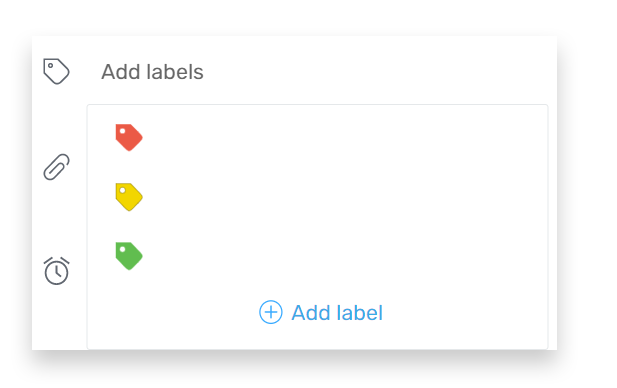
You can add a color label to categorize the activity. You choose the meaning of the color and you can add new colors.
Edit labels:
- Choose “add labels”
- Choose “edit labels”
- Label each color
- Add label if needed
- Tap “OK”
Attach files and add reminders and tasks
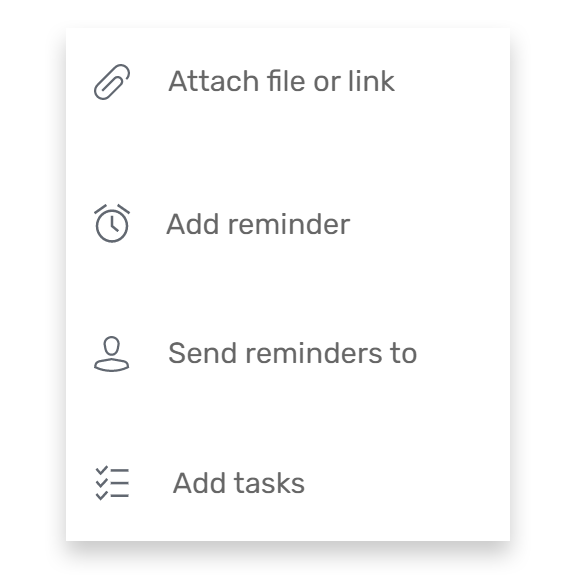
- Attach a file or a link to the activity, so it is easy to find relevant information
- You can add reminders and also send reminders to other users by adding their email address
- You can add and assign tasks to keep track of the process
More guides
Create an activity disc and choose the basic settings
Add and adjust rings in your activity disc