
You will learn how to create an activity disc and adjust the general settings.
You can create an activity disc two places:
- Dashboard - in the upoper right corner
- Under "My plandiscs"
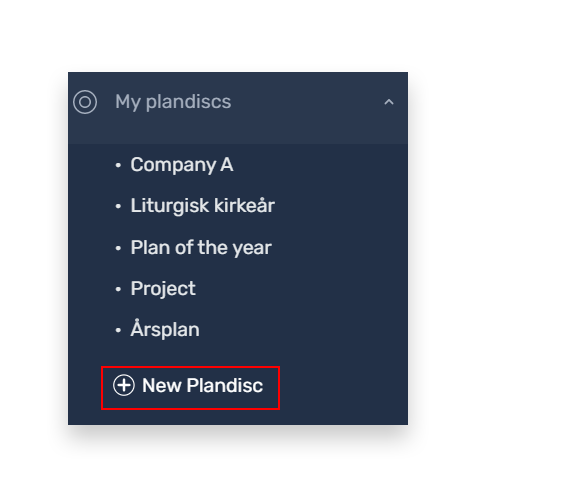
Create an activity disc
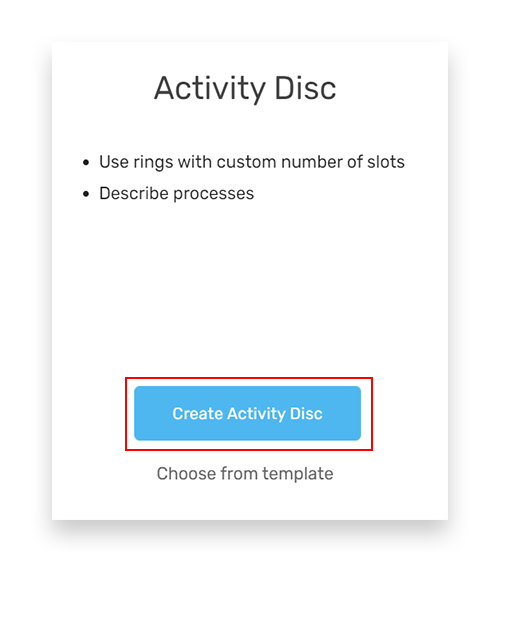
- Tap ”New plandisc”
- Choose the type ”Activity disc” and tap “Create”
Your disc will now look like this:
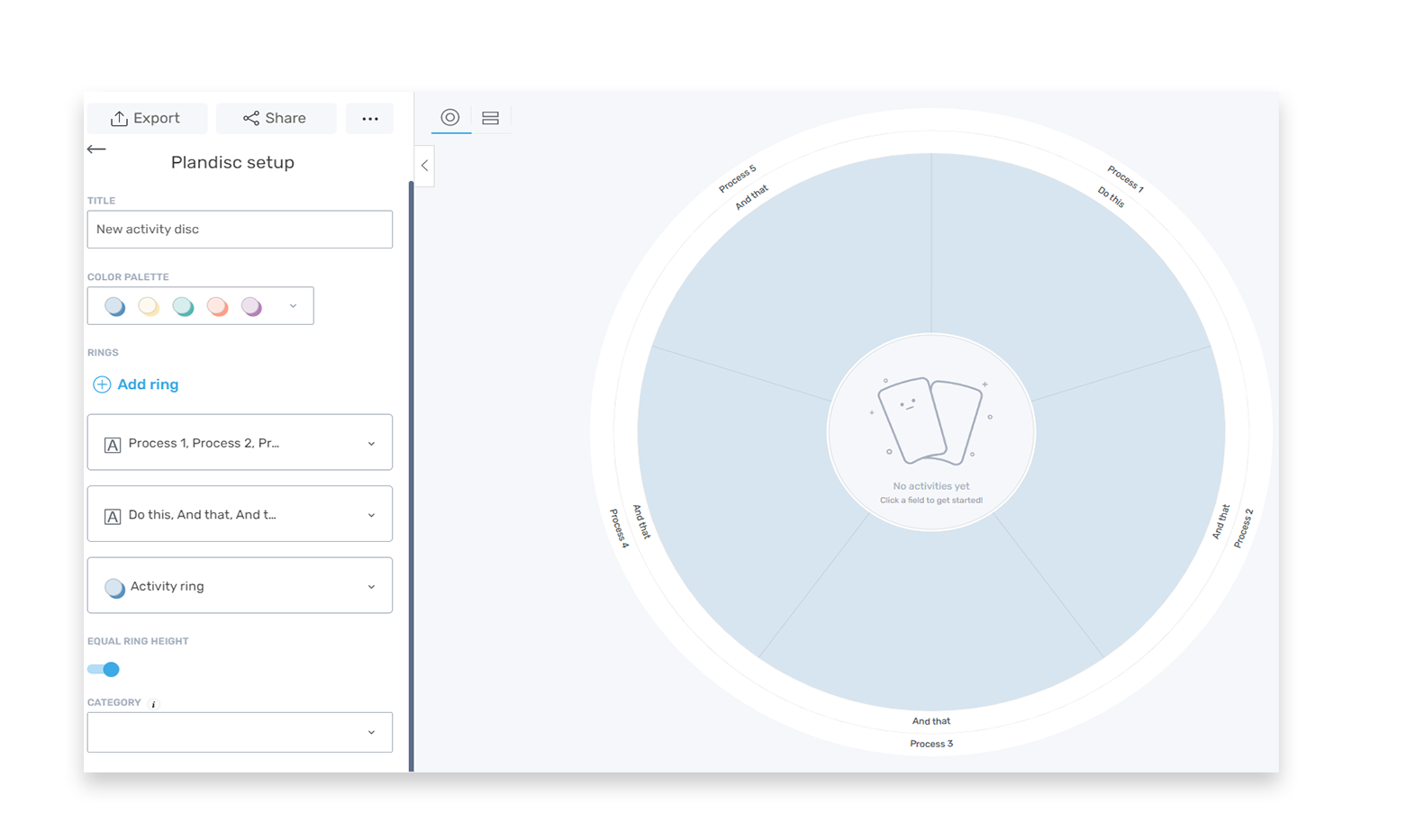
It has three rings:
- Title ring: Process…
- Title ring: Do this
- Activity ring
Adjust general settings
Now you can adjust these general settings
- Title the disc
- Choose color palette
- Categorize the disc
When you have done this, you can adjust your circular calendar even more by adding and adjusting rings.
Title the disc
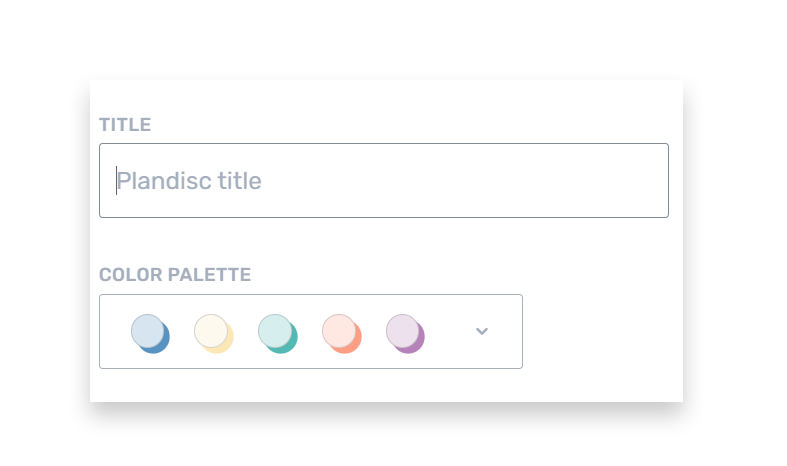
Fill in the box ”Title” to title your disc.
Choose a color palette
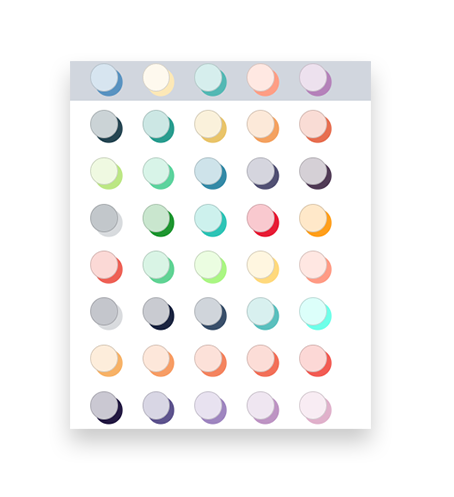
We have created different color palettes to the rings in a disc to make it easy for you to create discs with colors that match. When you create new rings, you can choose between the colors in the color palette you have chosen.
Even if you choose one color palette, you can still use other colors for your rings, if you want to.
Next step
Add and adjust rings in your activity disc