

Collaboration
Strengthen collaboration and communication
Ensuring that all activities support the shared goals of the organization can be challenging. But by gathering your plans and sharing knowledge in one place, you create better flow and stronger results.
How we simplify collaboration
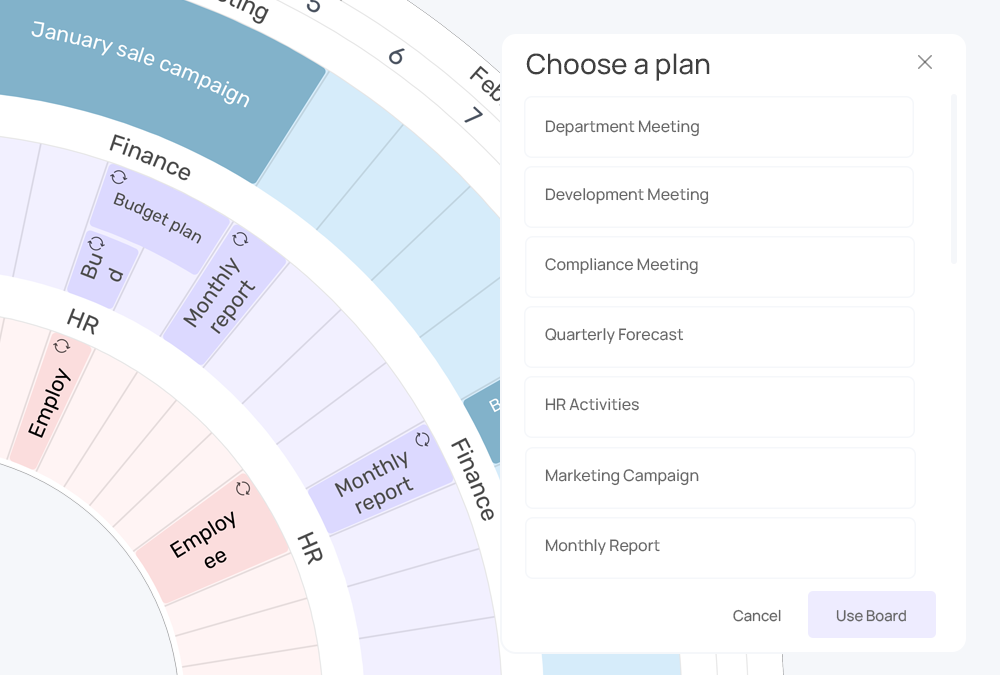
Create and follow up on tasks
Add tasks to your plandisc activities or connect with Microsoft planner. You can assign tasks and set deadlines directly in the planner, making it easy to track progress and keep projects moving.

Calendar synchronization
Plans often change. Syncing Plandisc with your calendar helps you keep everything up to date, without the manual work.

Share the overview
Plandisc works as a shared office calendar. Invite collaborators to co-plan and embed your circular calendar into internal platforms, so everyone stays informed.
Collaboration
Plan together - and work more efficiently
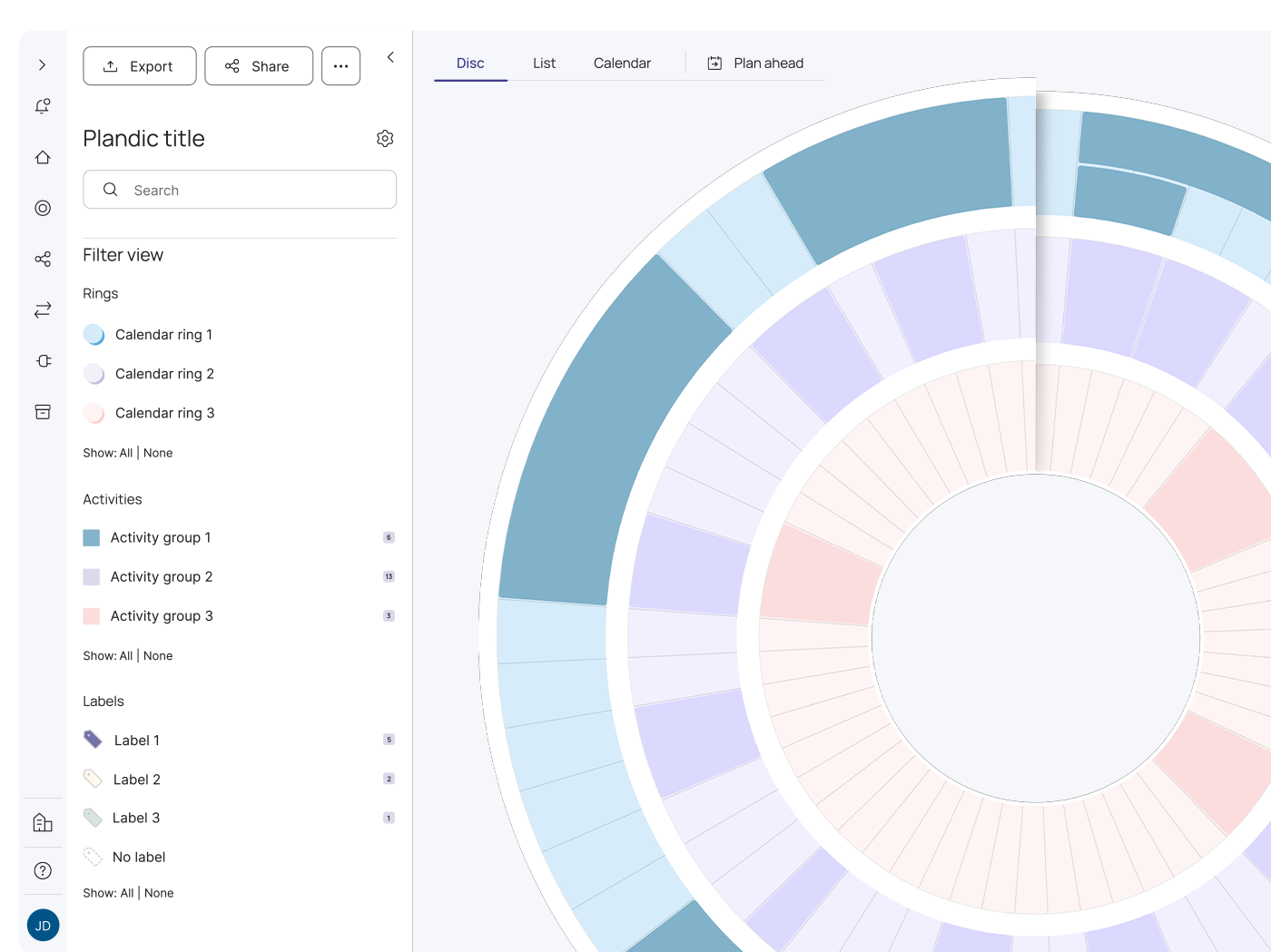
With Plandisc, multiple users can edit the same circular planner simultaneously. A visual collaboration tool makes it easier to maintain a shared overview while working across departments, teams, and functions.
Share specific rings with selected colleagues and assign editing rights so everyone can add activities. The result? A single, up-to-date plan that everyone follows.
Plandisc eliminates version chaos - you always work from the same, current planner.

Communication
Share the plan and create consensus
distribute your circular planner across your organization.
Share via link, embed it on your intranet, or display it in Microsoft Teams. Everyone can access the latest version - no matter where they work.
When everyone knows what's happening - and when - collaboration becomes easier and more focused.
Details that give you clarity

Repeat activities
Many events such as holidays, deadlines and campaigns happen regularly. Configure them to be repeated automatically with your preferred interval.

Sharing
Share the overview with your team to make sure you're working according to the same timeline and stay aware of upcoming deadlines and projects.

Integrations
Plandisc integrates with both Microsoft 365 and other business tools. Communication across teams and platforms becomes easier and manual work is reduced.

Templates
Save time when creating new plandiscs. Choose from our many templates and tailor them to your needs.

Share files and links
Attach files and links directly to the activities. This allows you to share knowledge and ensure everyone has the agenda for upcoming meetings at hand.

Customized view
View the plan the way you prefer. You can choose to view your plandisc as a circular planner, in a list view, or as a traditional calendar.

What our users say
How Plandisc creates overview and value for users
Plandisc strengthens collaboration and simplifies planning. Here, our users share their experiences.
-
Plandisc provides a concrete tool to coordinate activities and meetings across our units. This means we avoid cumbersome planning processes and can create a good overview of our resources.
Ditte
Skanderborg Municipality
-
The circular planner helps us keep track of our seasons and plans. After a year, it has become a tool that we use on a daily basis to inform colleagues about the planning.
Stine
Danish Agro Machinery
-
It provides an overview across departments and the opportunity to minimize pressure and stress during periods.
Line
ØstergaardHR
Chosen by both small and large businesses across Europe and the Nordics
Prices
We have different plans so you can choose the one that suits your needs. If you're in doubt, contact us, and we’ll help you find the perfect solution.
1
Enterprise Plus
€39
Per user / month
Billed anually
- Unlimited plandiscs
- Unlimited calendar rings
- Templates
- All view modes
- Public views
- Activity Disc
- Exports
- Collaboration
- User Role Management
- User groups
- Enterprise Templates
- Attached files
- Task management
- Calendar Integration
- Microsoft Integration
- SCIM
- SAML / AzureAD
Enterprise
€34
Per user / month
Billed anually
Get a shared overview with Enterprise templates and user groups tailored to your needs. Ideal for teams that want to ensure efficient coordination and collaboration.
- Unlimited plandiscs
- Unlimited calendar rings
- Templates
- All view modes
- Public views
- Activity Disc
- Exports
- Collaboration
- User Role Management
- User groups
- Enterprise Templates
- Attached files
- Task management
- Calendar Integration
- Microsoft Integration
Pro
€27
Per user / month
Billed anually
- 20 plandiscs
- Unlimited calendar rings
- Templates
- All view modes
- Public views
- Activity Disc
- Exports
- Collaboration
- User Role Management
- Calendar Integration
Lite
€12
Per user / month
Billed anually
- 5 plandiscs included
- 3 calendar rings
- Templates
- All view modes
- Public views
Questions?
Want to learn more about how to use Plandisc in your organization? Talk to one of our experts and learn more about the possibilities for your organization.
No, you can choose which rings and time periods you want to make accessible via the public link.
Only the owner of the plandisc and people who are invited to edit can make changes to the plandisc. Others can be invited to read the content via invitation or a link.
Yes, everyone can read the contents of the circular planner if you share a public link with them. A license is only necessary if they need editing access.
Outlook, Teams, SharePoint, PowerPoint, Planner, Excel, and API customized access.