In this article you will learn how to use the task system in Plandisc. This feature will ensure a complete overview of your tasks and you will be able to keep track of who is responsible for each task.
You will find the task system under each avtivity.
- Click on the activity where you wish to add tasks
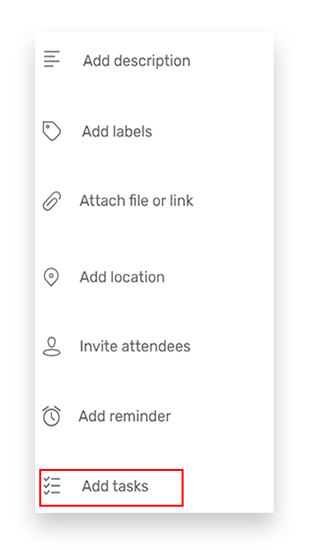
- Click “Add tasks”
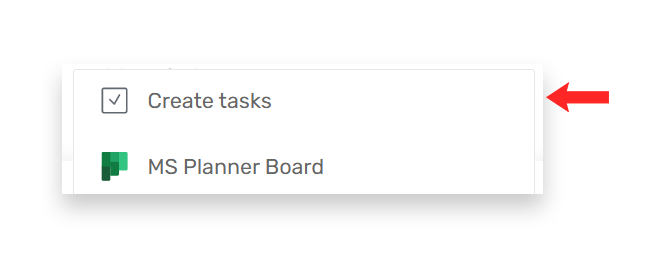
3. Click “Create tasks”
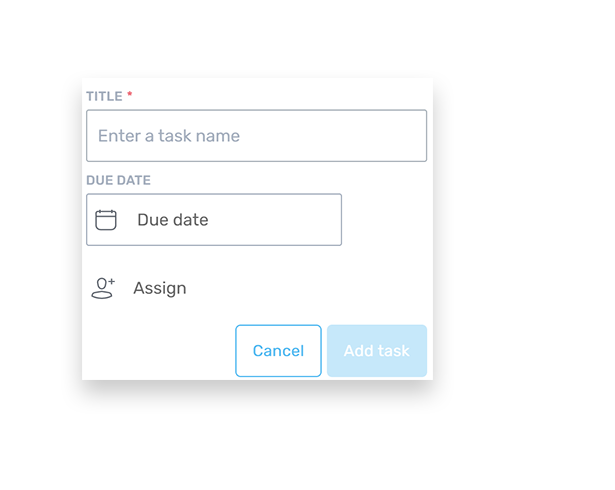
4. Now it is time to add a title, set a due date and possibly assign the task to someone