As an administrator, you have the opportunity to customize the Enterprise Theme. Define the use of ring colors, activity groups, and labels so you get a streamlined use of the tool. The theme will also make it easy for the Enterprise users to create and adapt their plandiscs so they fit into your structure and layout.
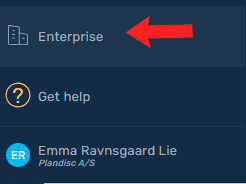
- Go to the enterprise page
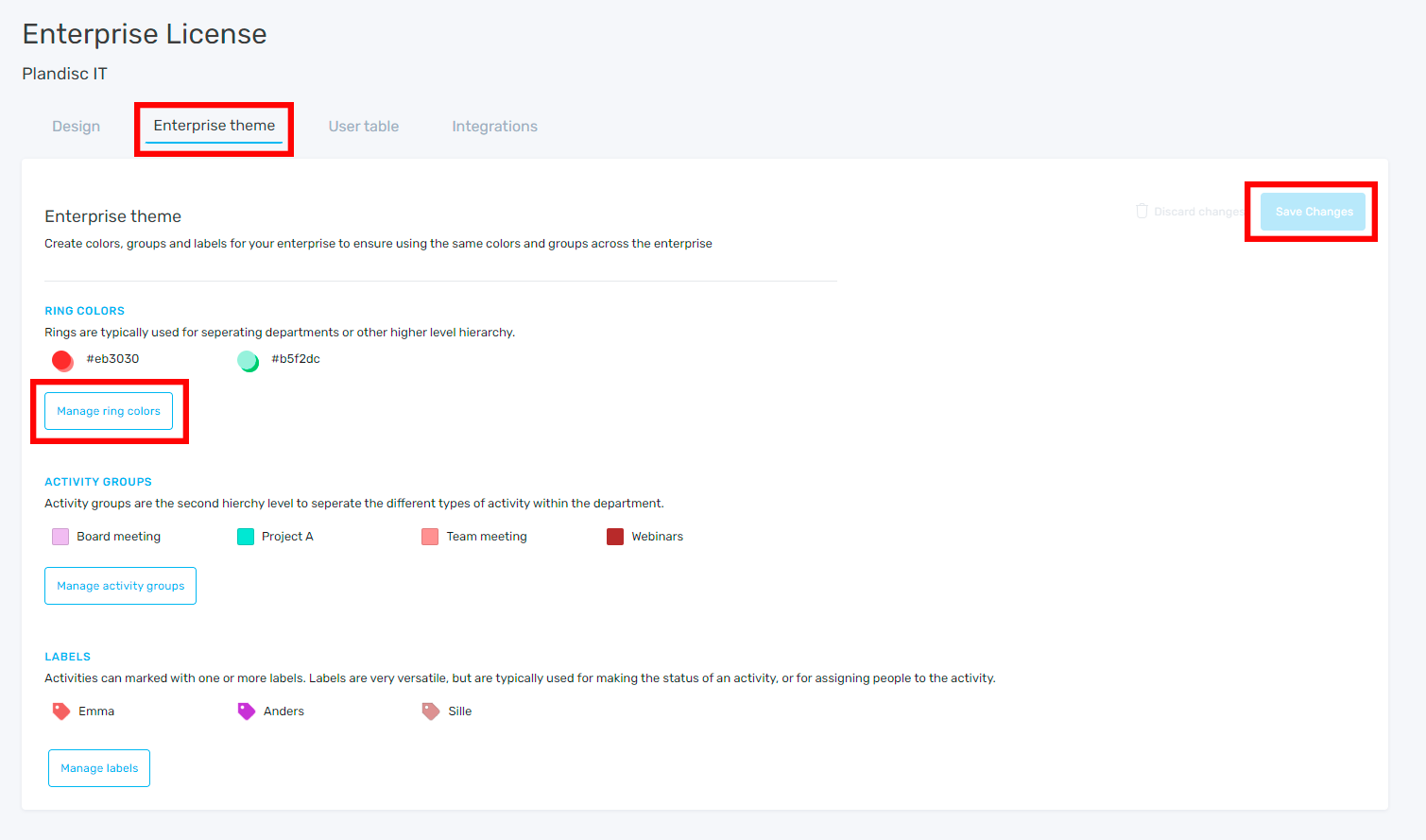
- Click on the enterprise theme tab
- Now you can create and manage the ring colors, activity groups and labels to be available across the enterprise. Click "Manage..." to open the menu where you make your changes.
- Remember to click "Save changes" once you are done editing.
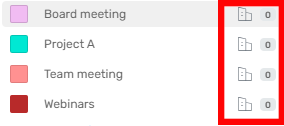
- Now the ring colors, activity groups and labels will be available in all plandisc on the enterprise. They will be marked with the enterprise icon.