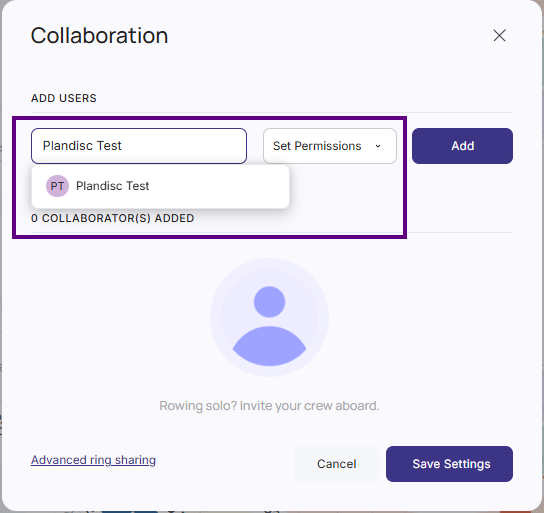
As an enterprise administrator, you can organize users into groups. This makes it easier to share your Plandisc with a specific group of people rather than adding individuals one by one. You can also assign colleagues as group administrators so they can create and manage groups themselves.
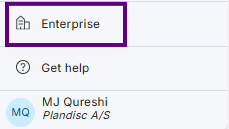
- Navigate to the Enterprise section in the main menu
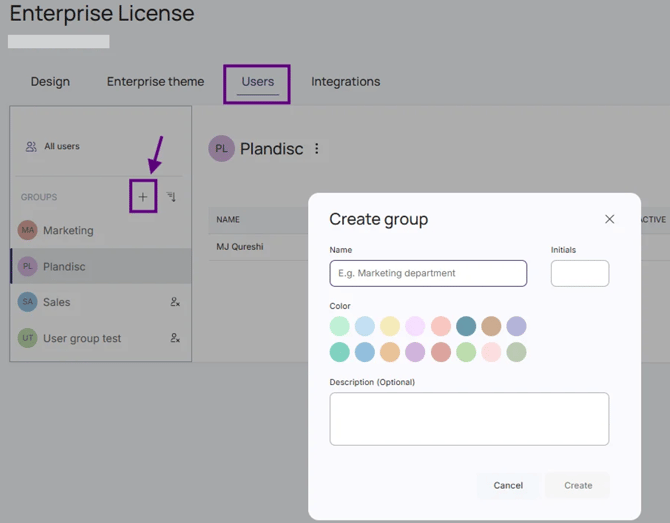
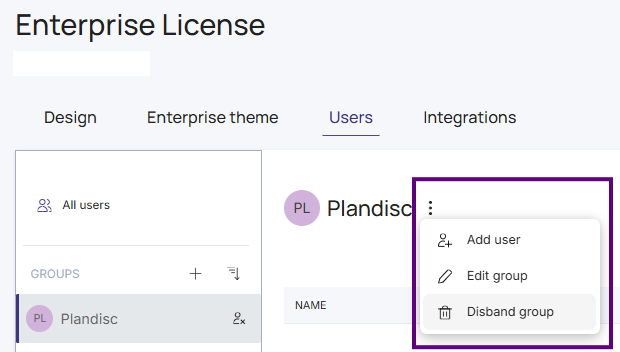
- Select the Users tab
- Create a new group by clicking the + button
- Enter a name, choose a color, and add a description for the group, if needed
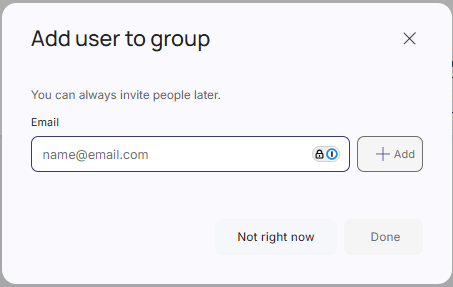
- Add users to the group. Note: users must already be members of the enterprise to be added to a group. Remember to add yourself to the groups you’d like to share your Plandisc with.
- You can edit the group at any time — rename it, update its description, add or remove users, or delete it entirely.
- You can also promote colleagues to group administrators. Group administrators can add or remove users and modify the group's settings, but cannot delete the group.

- When sharing a Plandisc, select the group as the recipient instead of adding individual collaborators one by one.