Need to make the same change to several activities at once? Bulk edit lets you update, label, or delete multiple activities in one go, instead of editing them one by one.
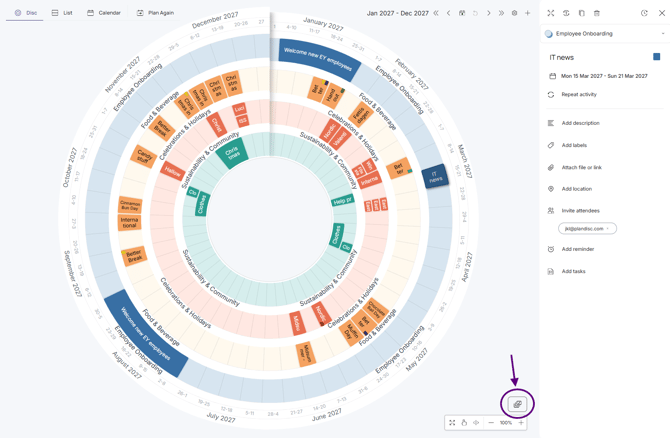
- Click the first activity you want to change.
- Click the bulk edit icon.
- Click on each activity in the plandisc you want to edit. You can also hold CTRL and click to select several at once (CMD for Mac).
- Choose what to do: change the activity group, add a label to the selected activities, or delete them.