
Activities
Automatically update and move activities
Activities can now take their timing from another activity in your plandisc, instead of manually changing all dates. If you move the activity that everything depends on, the activities anchored to it move too, including invitations.
Activities
Automatically update and move activities
Activities can now take their timing from another activity in your plandisc, instead of manually changing all dates. If you move the activity that everything depends on, the activities anchored to it move too, including invitations.

Move one date, and the rest follow automatically, without you having to manually update activities.
Chosen by a lot of businesses, regardless of size or sector









The date that used to cost you an afternoon
How does this help you plan better?
The audit shifts a week. The board meeting moves. The semester planning gets pushed back. Whatever your version of it is, everything built around that one date used to be moved manually; the reminder two weeks before, the prep three days before, the follow-up the week after.
Now, you can set that timing once. Move the date it’s built on, and every activity anchored to it shifts with it.

The date that used to cost you an afternoon
How does this help you plan better?
The audit shifts a week. The board meeting moves. The semester planning gets pushed back. Whatever your version of it is, everything built around that one date used to be moved manually; the reminder two weeks before, the prep three days before, the follow-up the week after.
Now, you can set that timing once. Move the date it’s built on, and every activity anchored to it shifts with it.

It’s a chain
Launch moves to March 28, so the creative is due on March 14 and the brief is due on March 7. You do that math in your head. And you do it again on Thursday when the date changes back.
One activity can anchor several others. Any one of those can anchor its own chain in the rest of the plandisc.
Most annual plans hold three layers: strategic initiatives, departmental commitments, and the operational work that delivers them.
Feature
How to use relative date
Sometimes you learn more from your mistakes than you do from your masterpieces. All you need to paint is a few tools, a little instruction, and a vision in your mind.
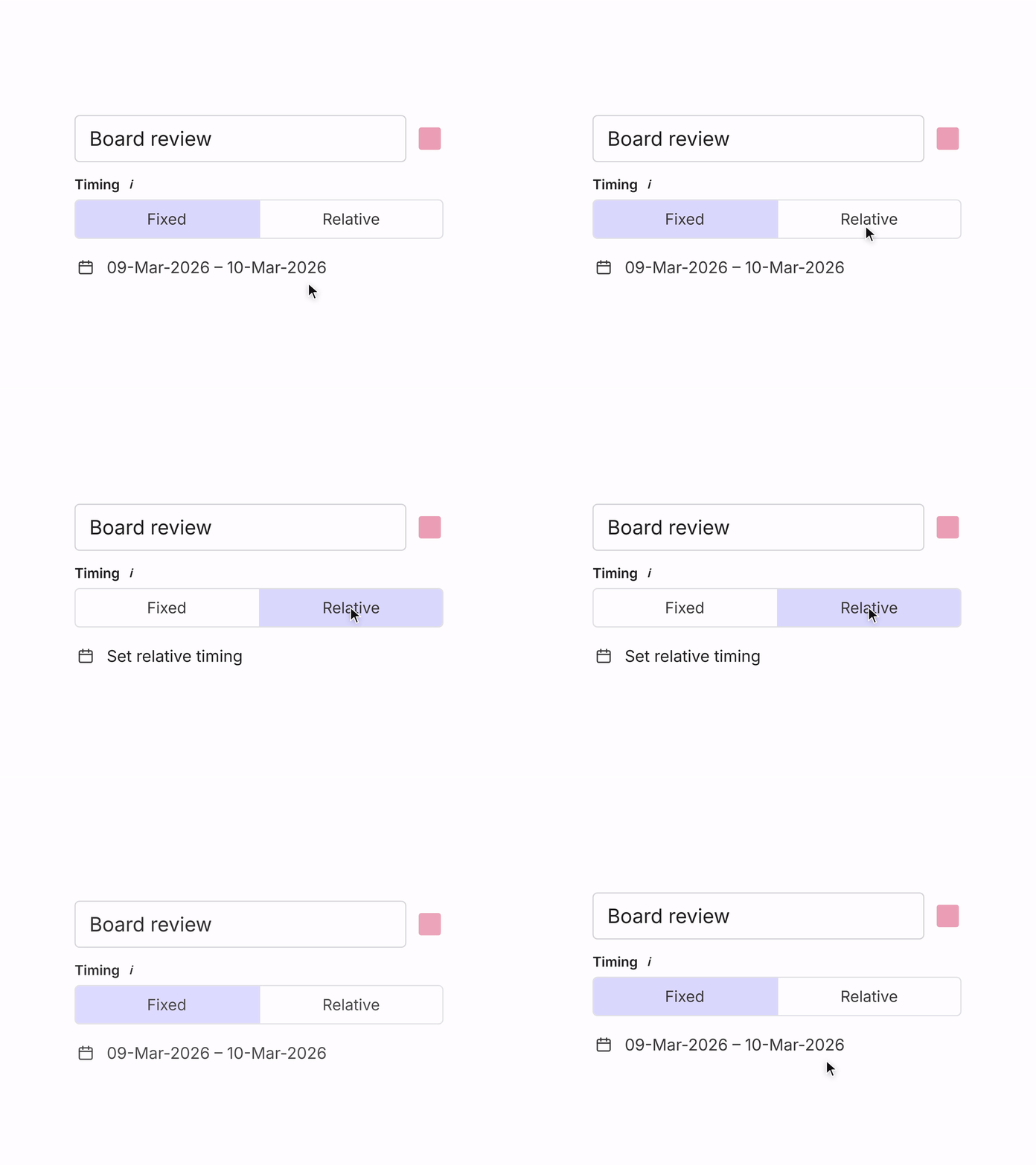
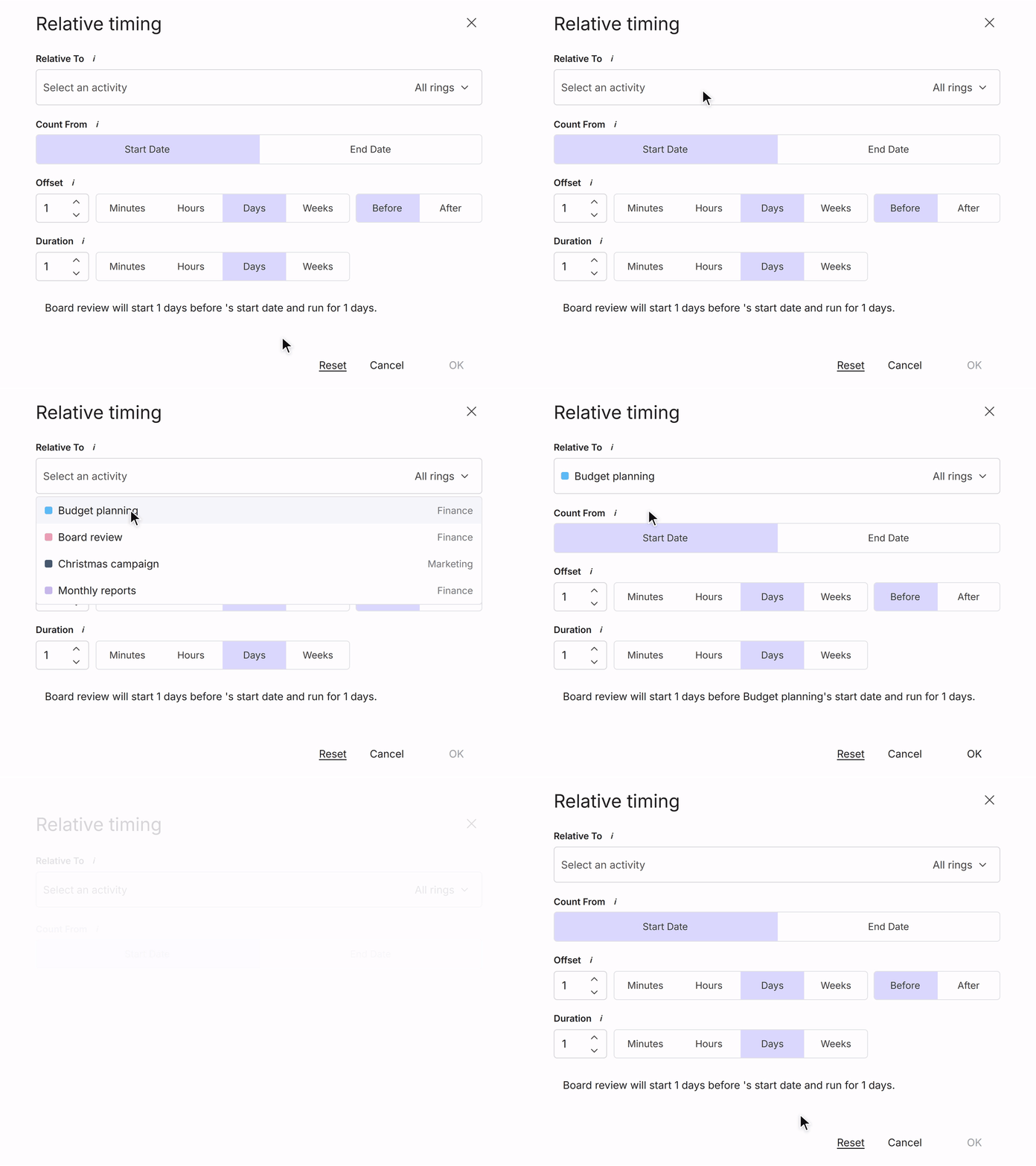
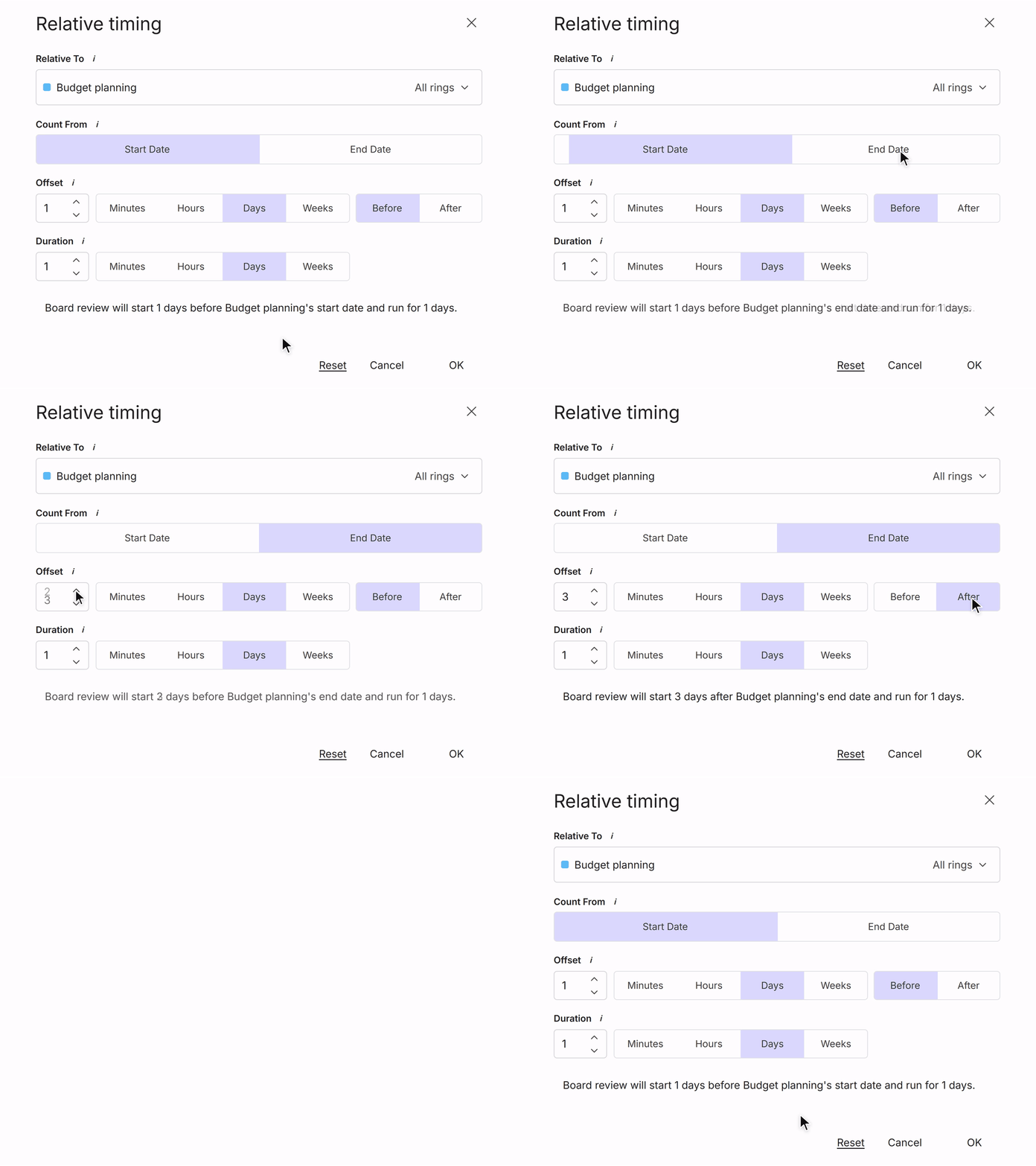
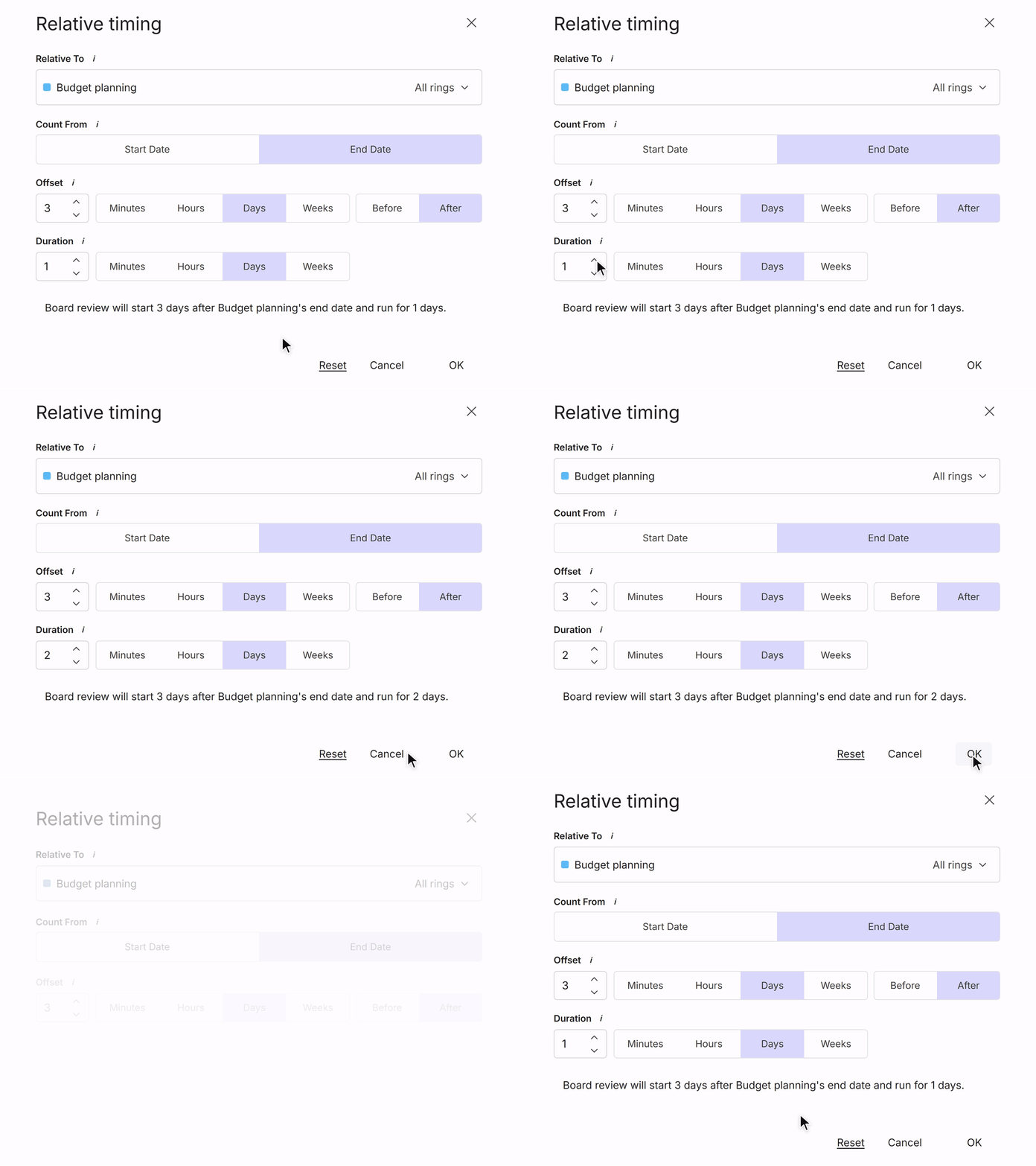
Choose relative timing
Open an activity's details and switch the Timing to Relative.