
Support
Get answers right away with PlanBot
PlanBot is our AI support assistant. Ask it how to do something in Plandisc and get an answer straight away, day or night. If you'd rather talk to a person, just ask.
Support
Get answers right away with PlanBot
PlanBot is our AI support assistant. Ask it how to do something in Plandisc and get an answer straight away, day or night. If you'd rather talk to a person, just ask.
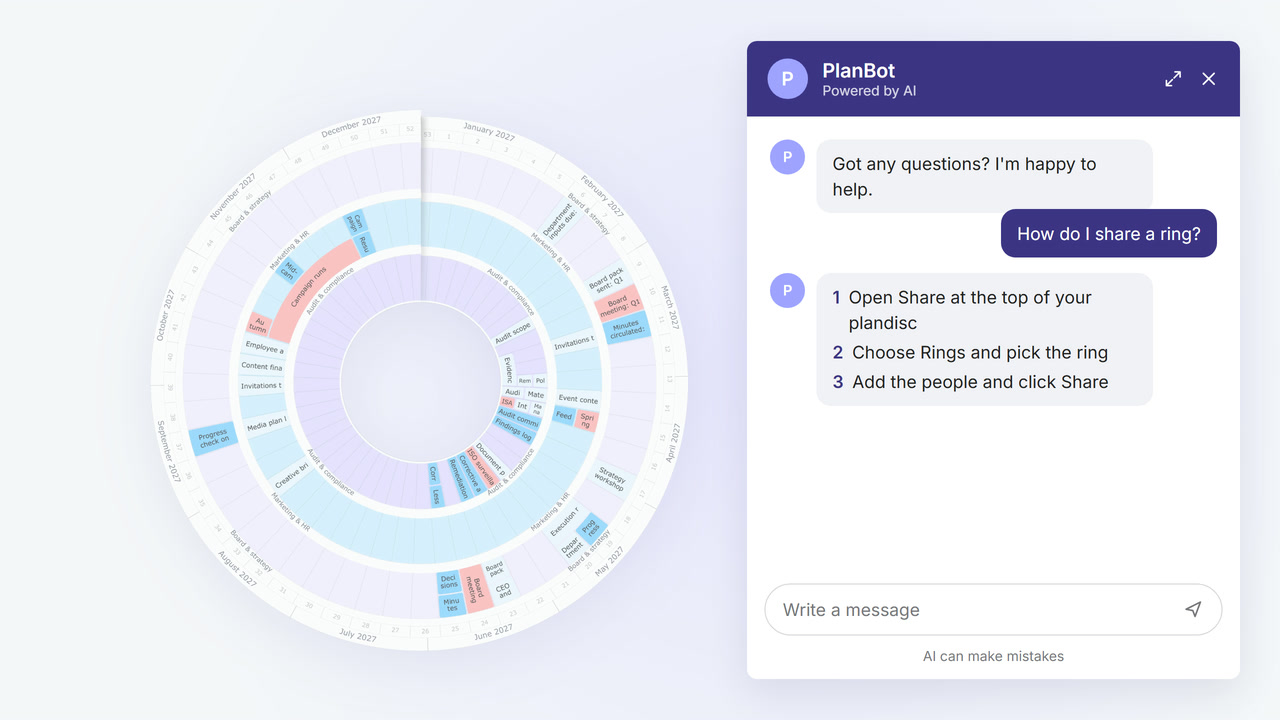
Help in the chat, whenever you need it.
Chosen by a lot of businesses, regardless of size or sector










The question at 9 pm before the deadline
How does this help you plan better?
You're setting up next year's plan and can't remember how to share a single ring. Support has closed for the day, and the answer is somewhere in the user guide.
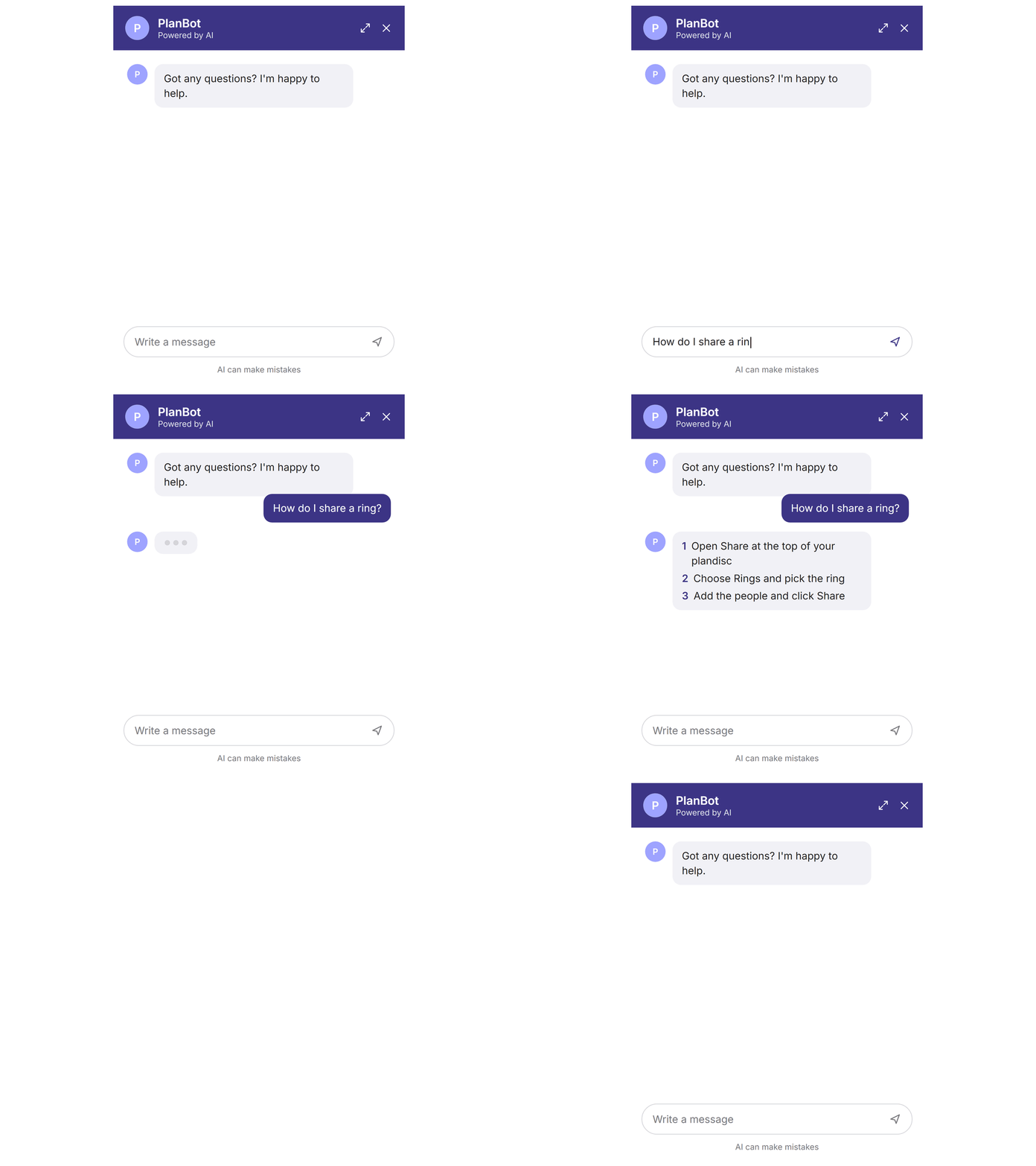
PlanBot answers in the chat, right in Plandisc where you're working, based on the same help articles our support team writes.

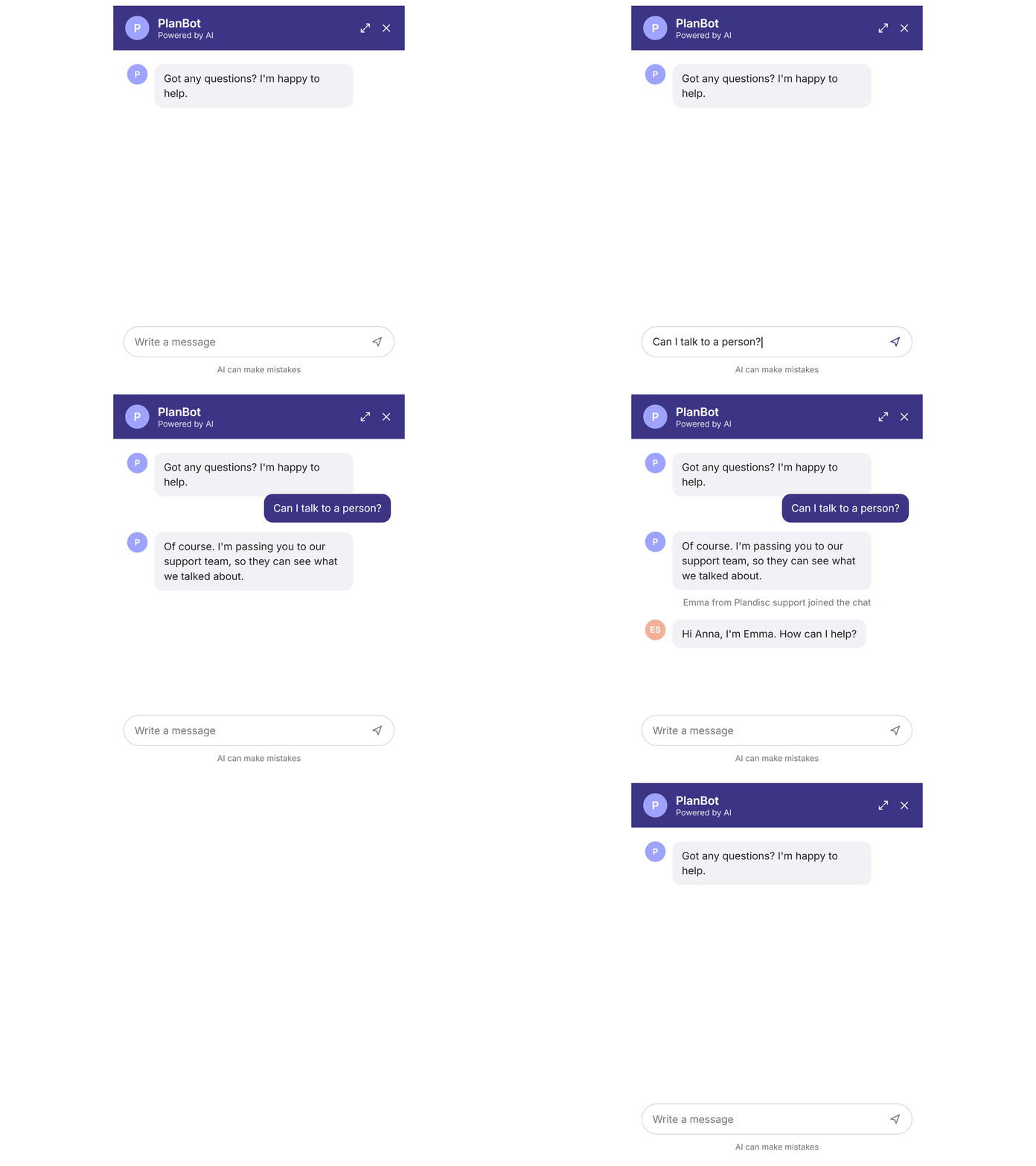
A person is always one message away
PlanBot handles the quick how-to questions, so our support team has more time for the ones that need a human. Ask to talk to a person whenever you want.
Don't need the chat right now? You can close it with one click.
Step by step
How to use PlanBot
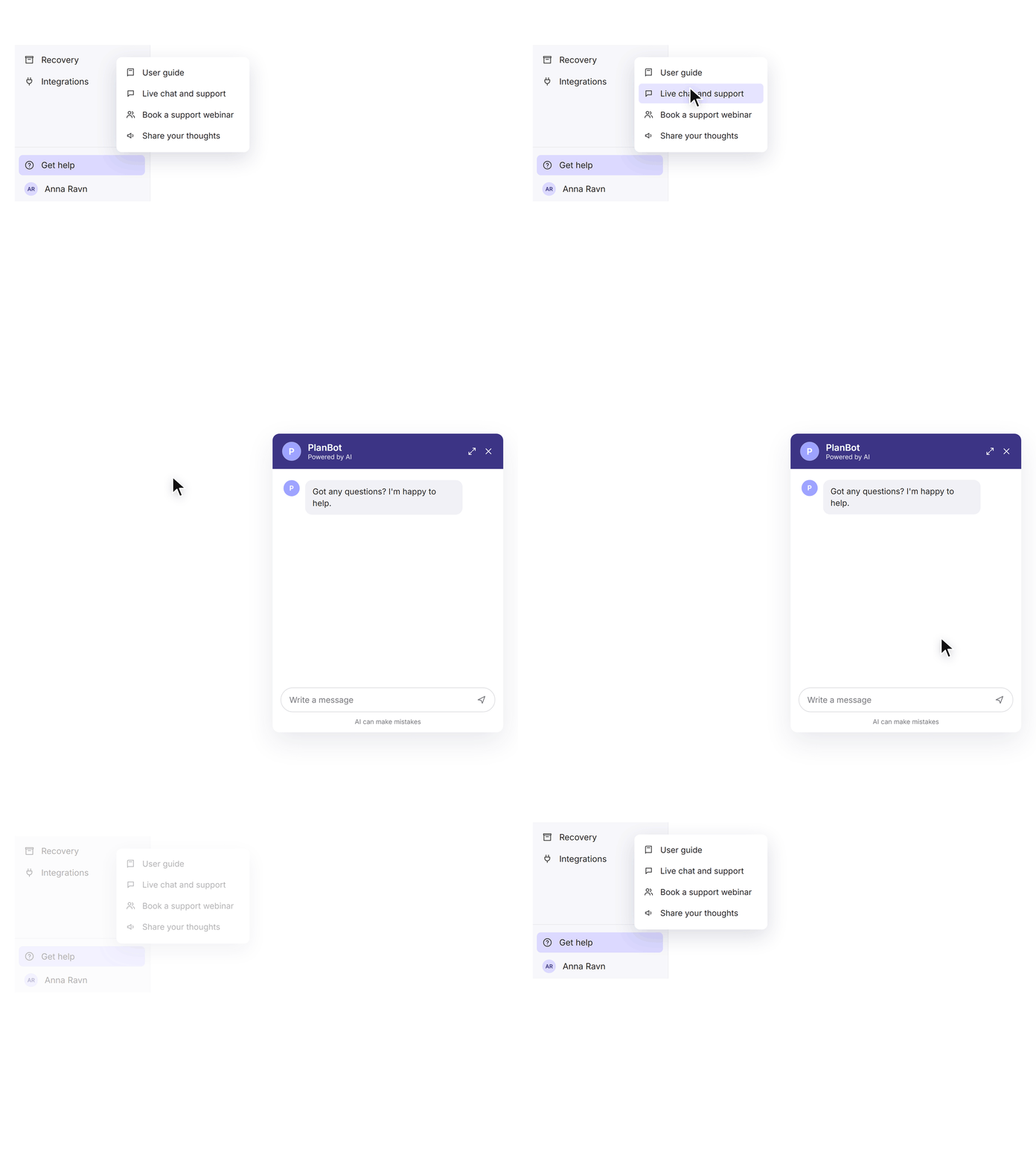
Ask PlanBot from the help menu in Plandisc.
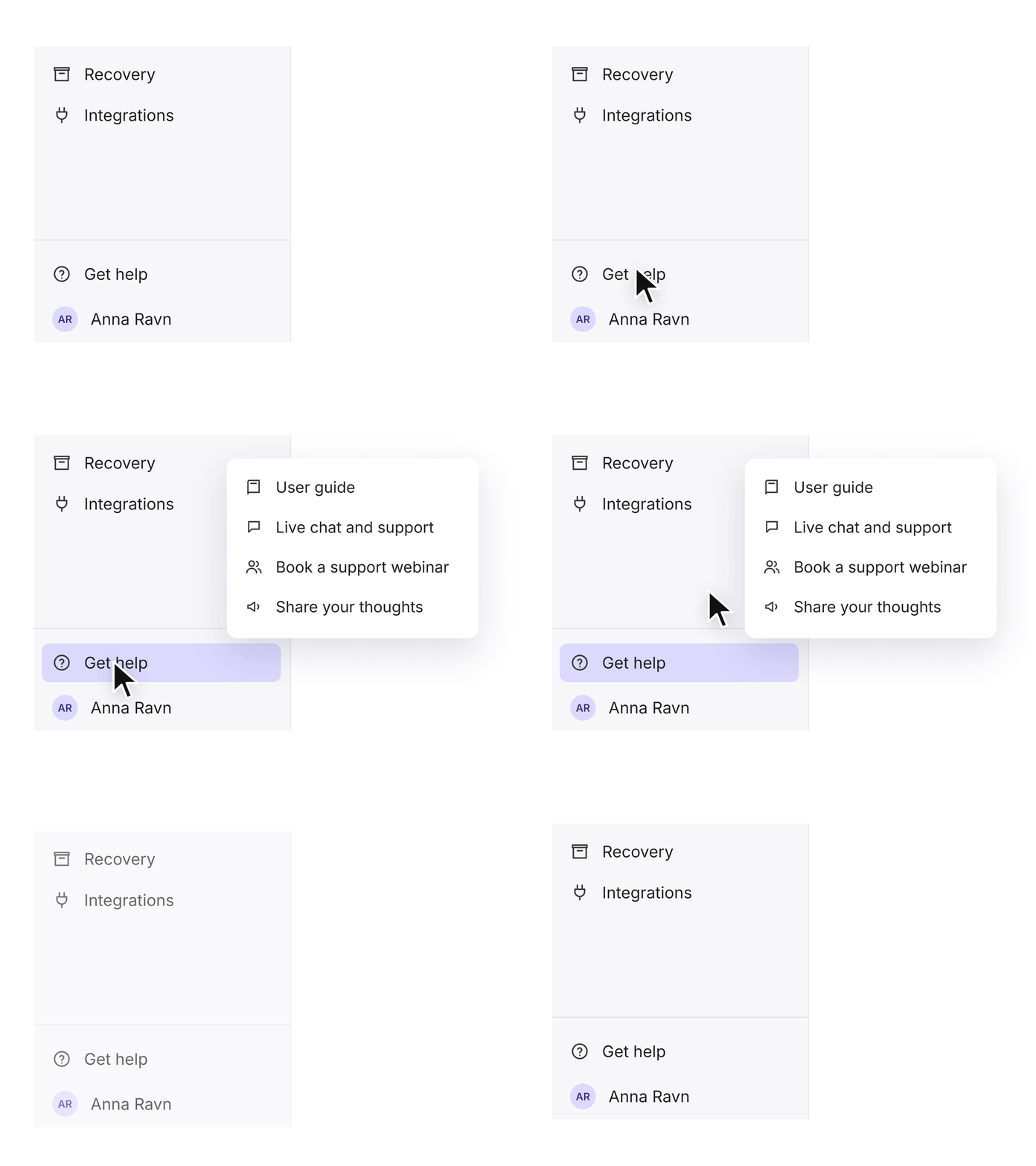
Open the help menu
Click Get help in the bottom-left corner of Plandisc.