
Notifications
Notifications you control
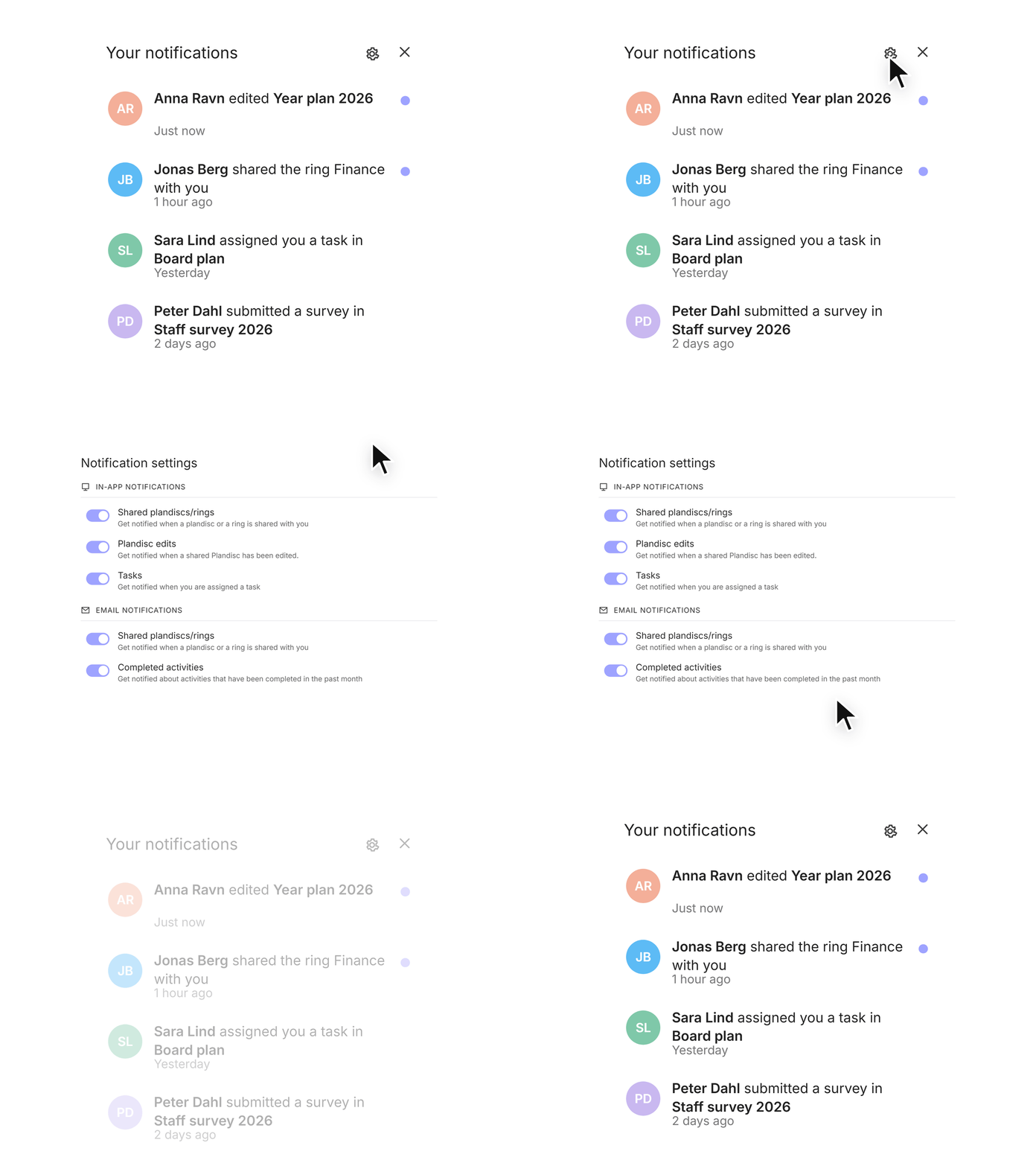
Get a nudge when a plandisc is shared with you, when someone edits a plandisc you share, or when a task is assigned to you. You choose what shows up in Plandisc and what lands in your inbox.
Notifications
Notifications that tell you what matters
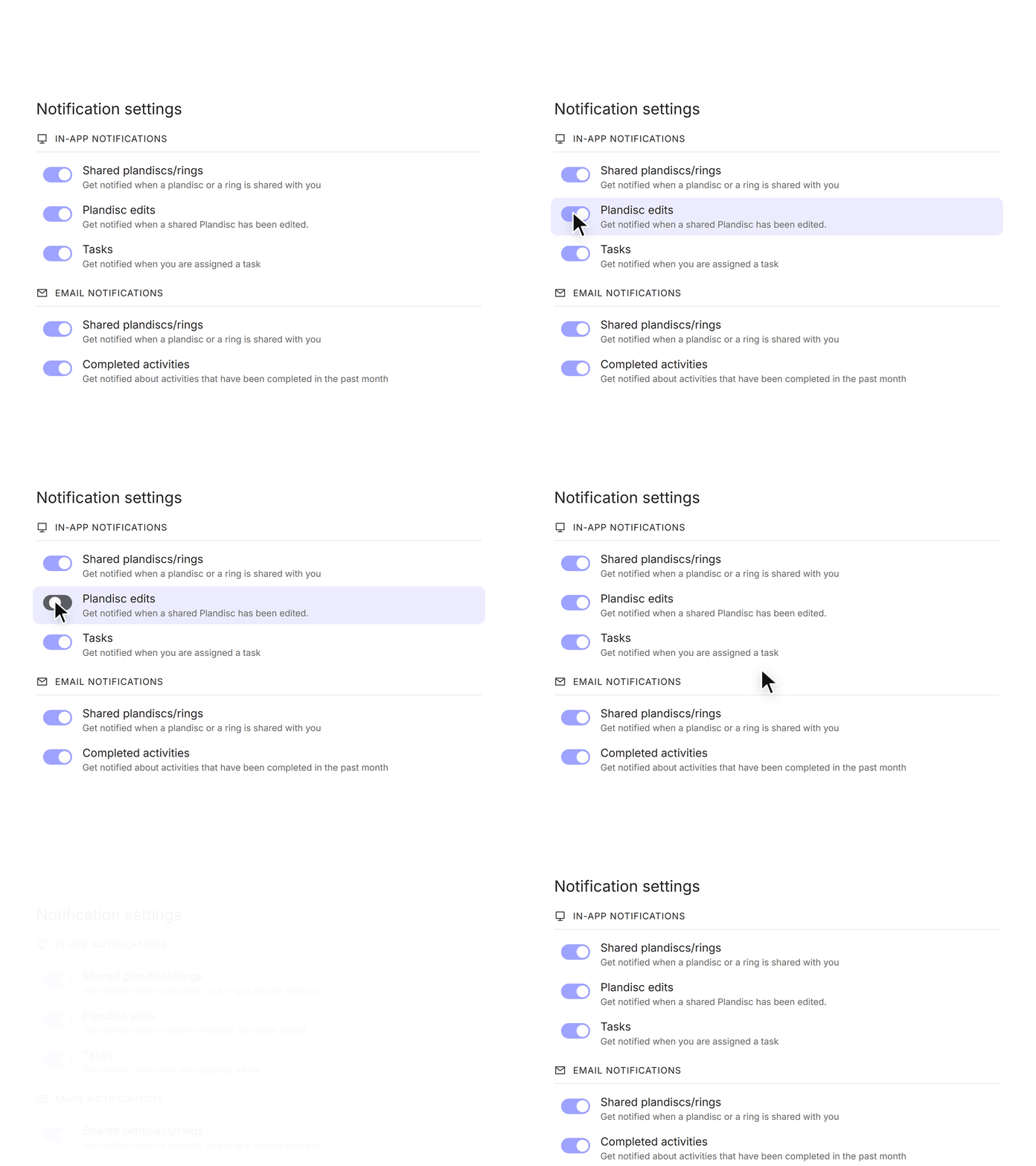
Get notified when a plandisc is shared with you, when a shared plandisc is edited or when you're assigned a task. Choose what you see in Plandisc and what arrives by email.
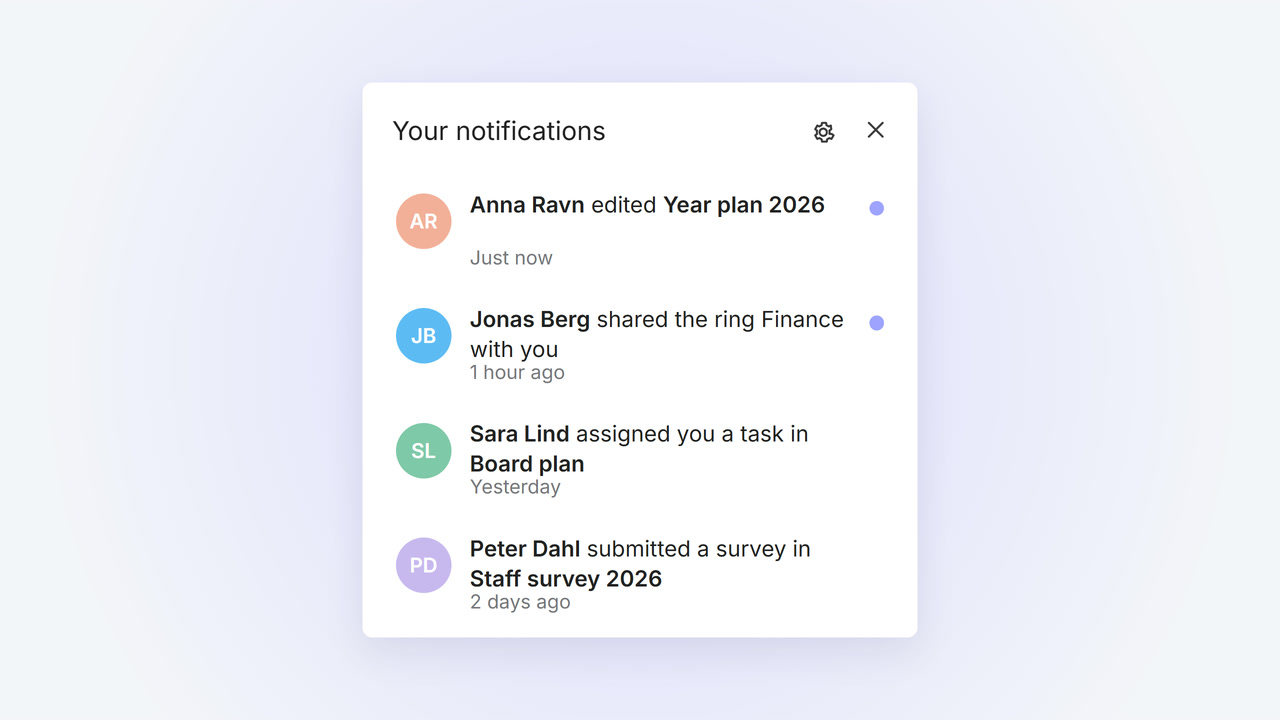
Stay on top of changes without checking every plan.
Chosen by both small and large businesses across Europe and the Nordics










You decide what reaches you
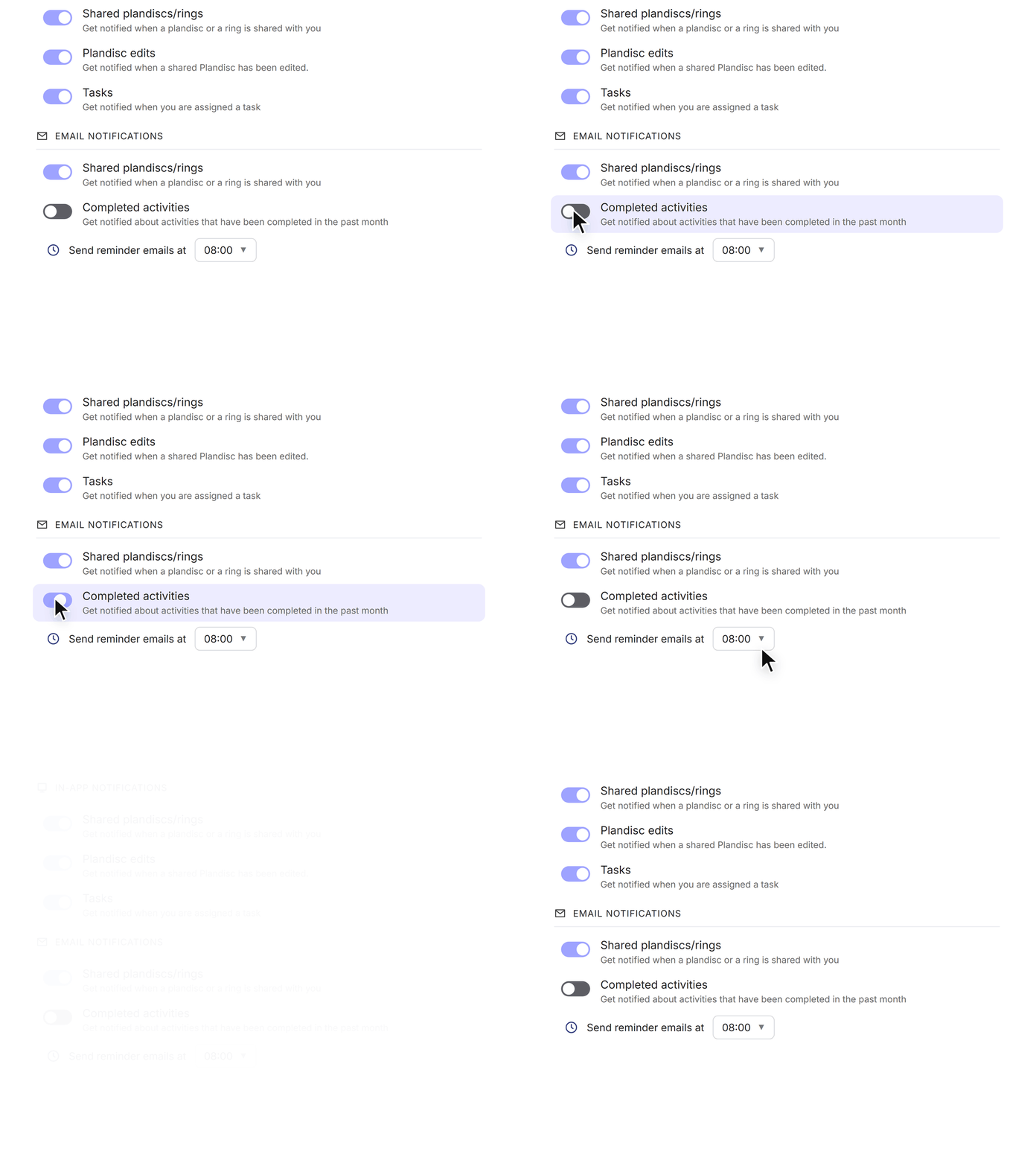
Switch each type on or off, separately for in-app and email notifications. Choose what time of day reminder emails arrive, so they land when you're ready to act on them.
Notifications only point to plandiscs you have access to, so there are no dead ends.

The change you only heard about afterwards
How does this help you plan better?
A colleague moved a deadline in the shared plandisc. Someone assigned you a task. A survey came back. Without notifications, you only find out when you happen to open the plan.
Now Plandisc tells you, and each notification takes you straight to where the change happened.
Step by step
How to edit your notifications
Choose which notifications you get in Plandisc and by email.
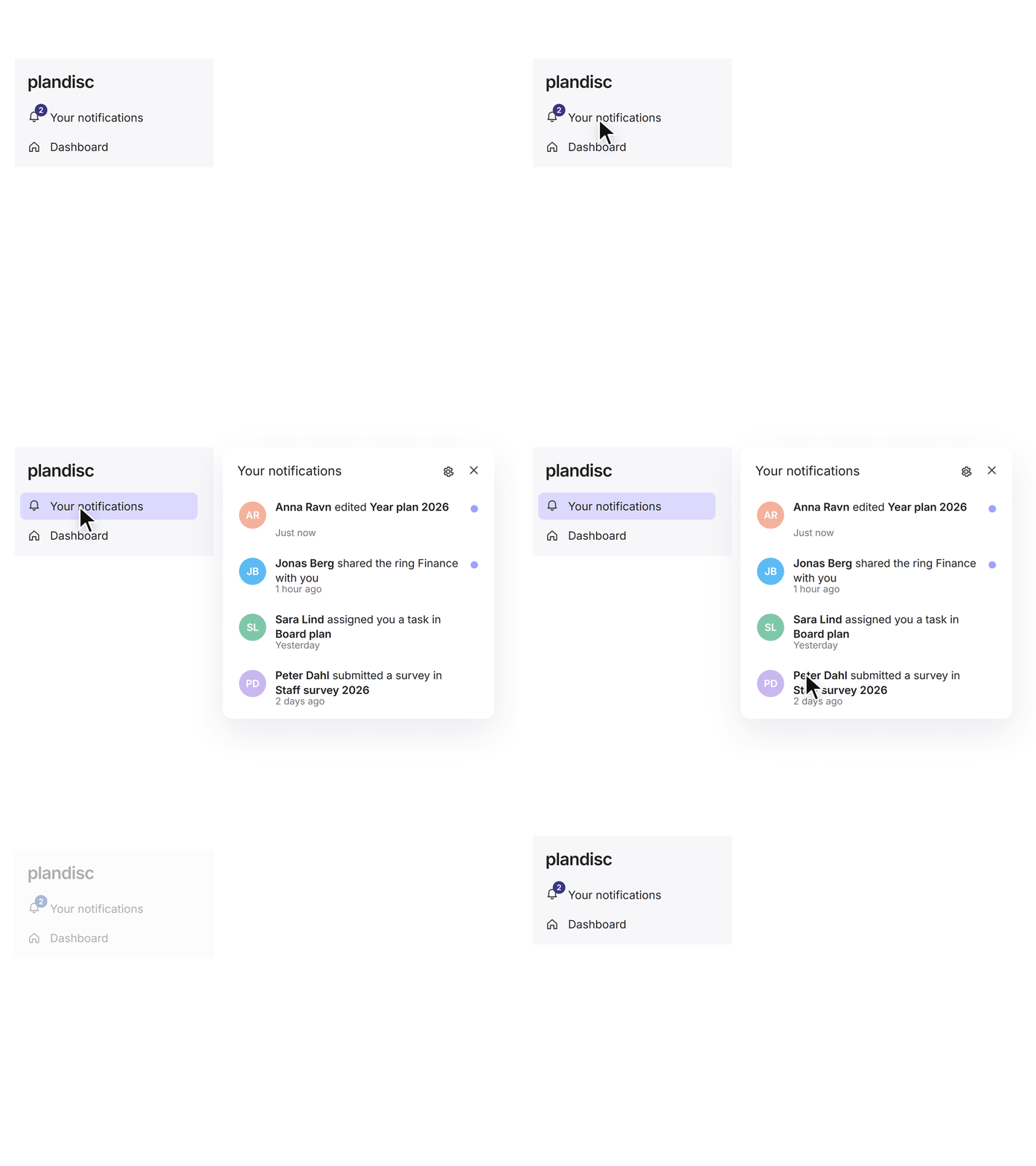
Open your notifications
Click Your notifications in the menu on the left.