
AI · Beta
Turn your spreadsheet into a plandisc
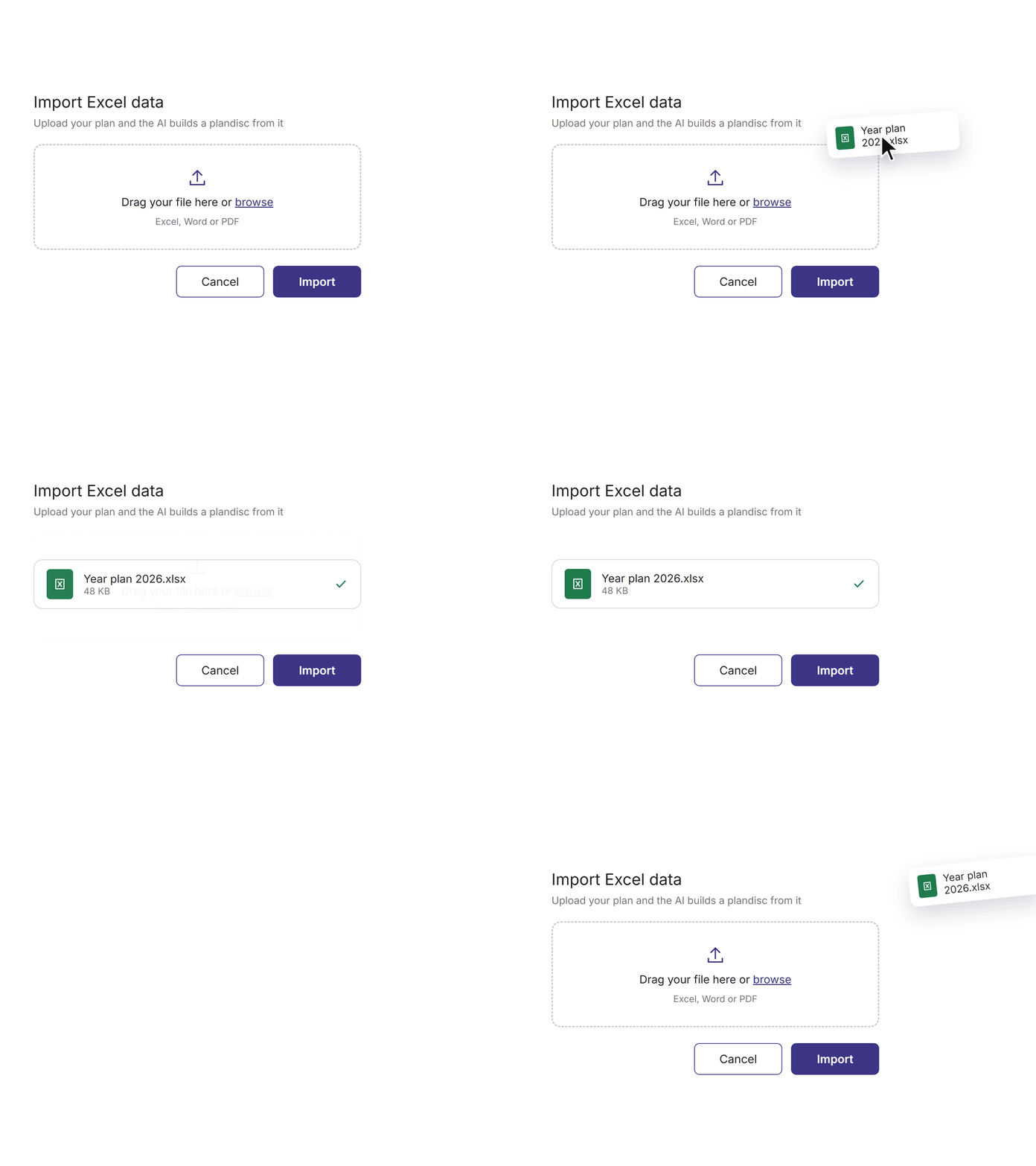
Upload the plan you already have in Excel, and Plandisc's AI turns your activities, deadlines, and meetings into a ready-to-use plandisc.
AI · Beta
Turn your spreadsheet into a plandisc
Upload the plan you already have in Excel, and Plandisc's AI turns your activities, deadlines and meetings into a ready-to-use plandisc. No retyping, no copy and paste.
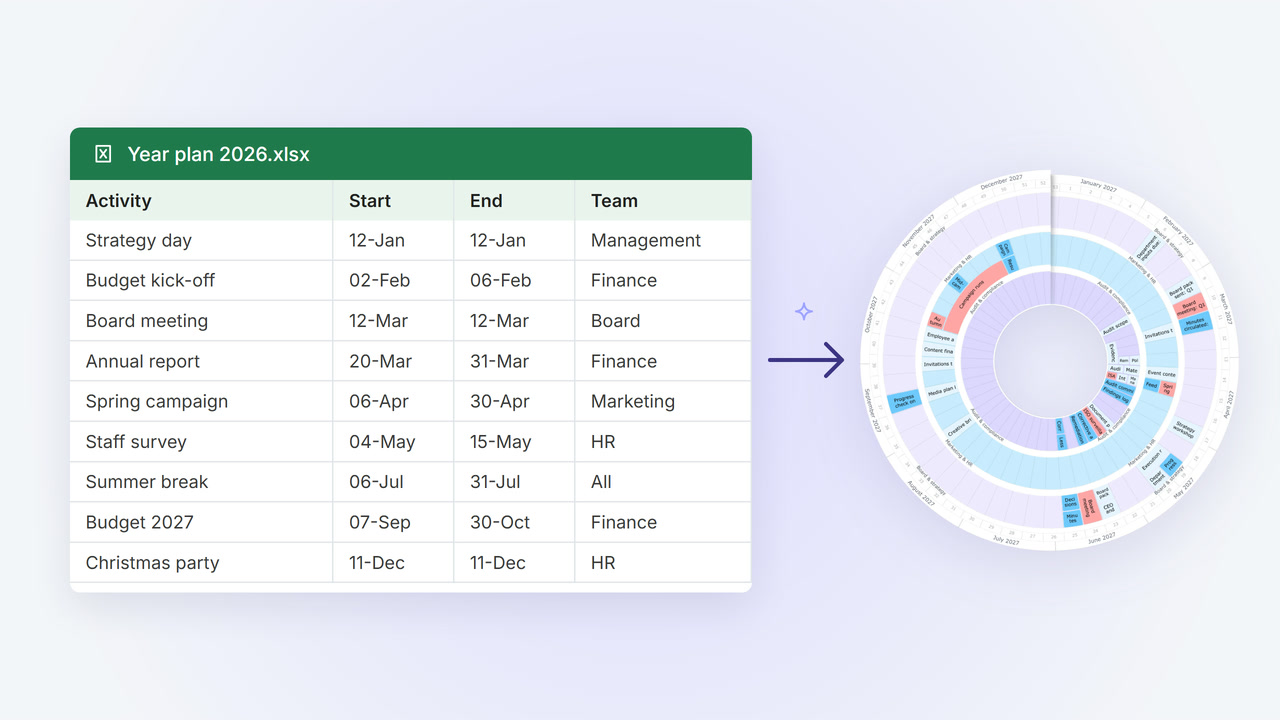
From spreadsheet to plandisc in a few minutes.
Chosen by a lot of businesses, regardless of size or sector










The static plan in a spreadsheet
How does this help you plan better?
Most annual plans are born life in Excel: one tab per department, dates in one column, notes in another. Moving all of that into a new tool usually costs an afternoon of retyping.
With AI import, you can upload the file and let Plandisc's AI read it. It finds the activities and dates and builds a plandisc you can adjust from there.

Keep working while it builds
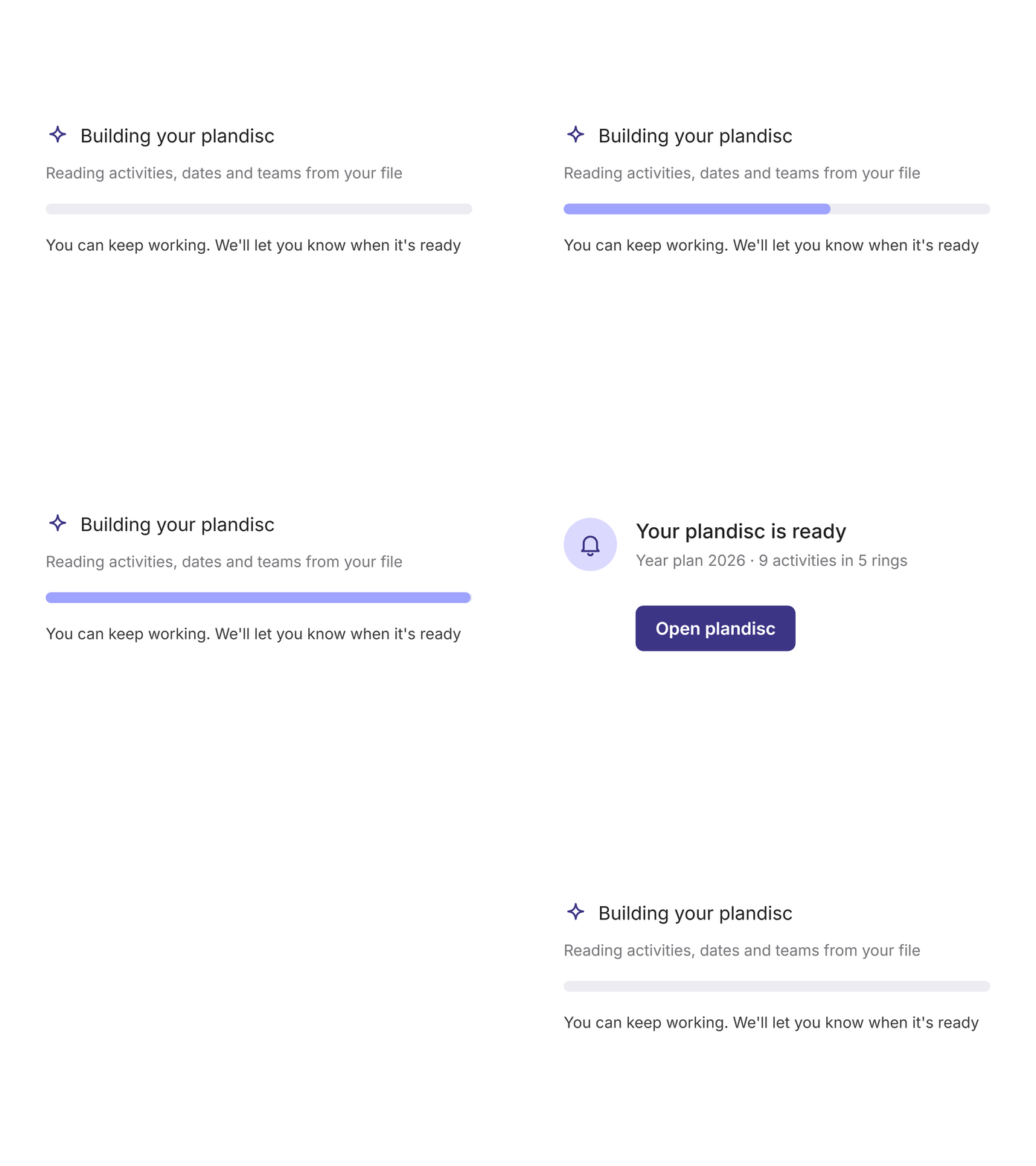
The import runs in the background, so you can carry on with other work while your file is read and formatted. You get a notification when your new plandisc is ready.
AI import is in beta. It runs on a Microsoft model hosted in Azure, it is available on Public Cloud, and enterprise customers can opt out.
Step by step
How to import your plan with AI
Upload an Excel file and let the AI build your plandisc.
Add a new plandisc
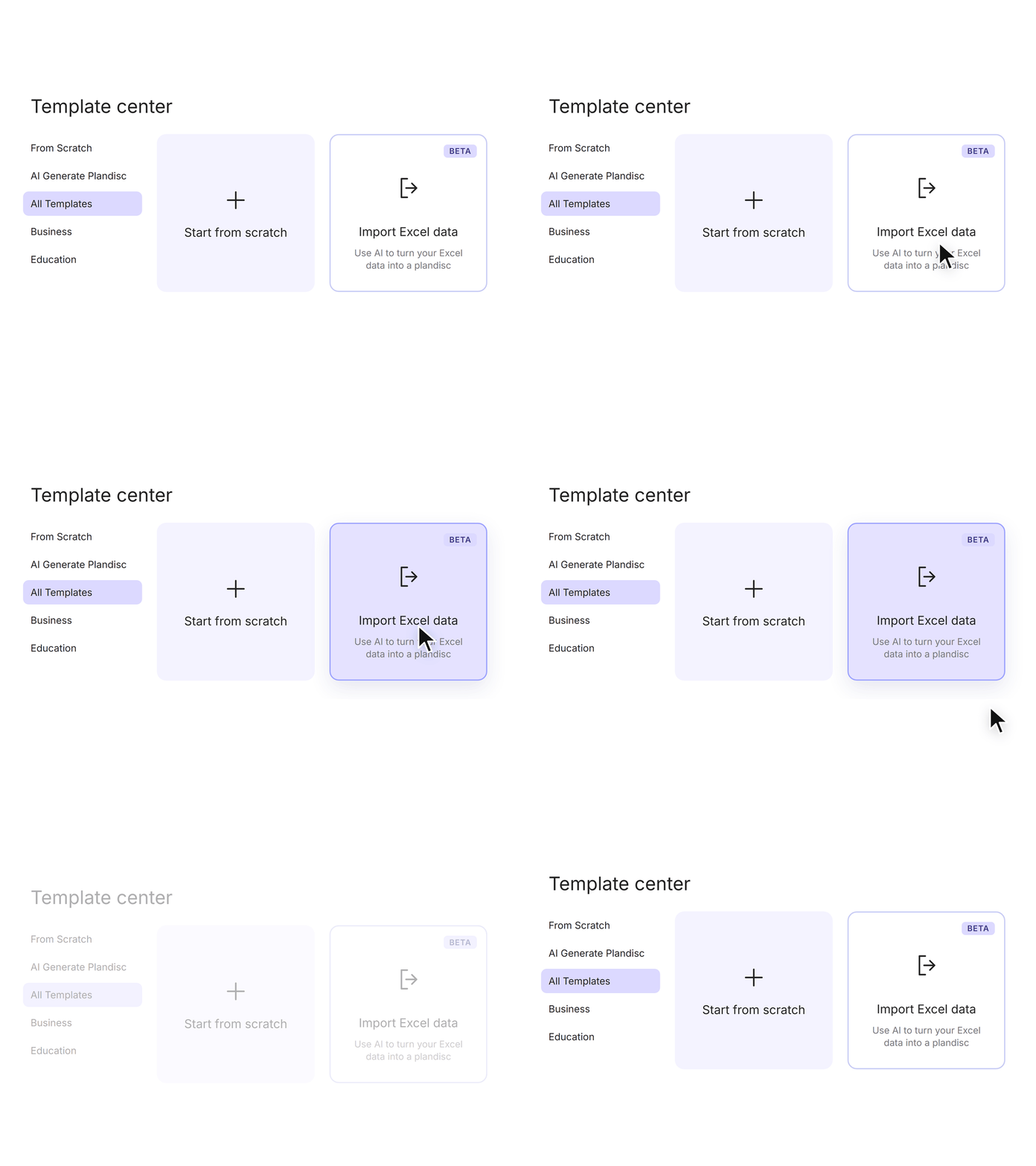
On your dashboard, click Add plandisc and choose AI - Import data.